Changelog
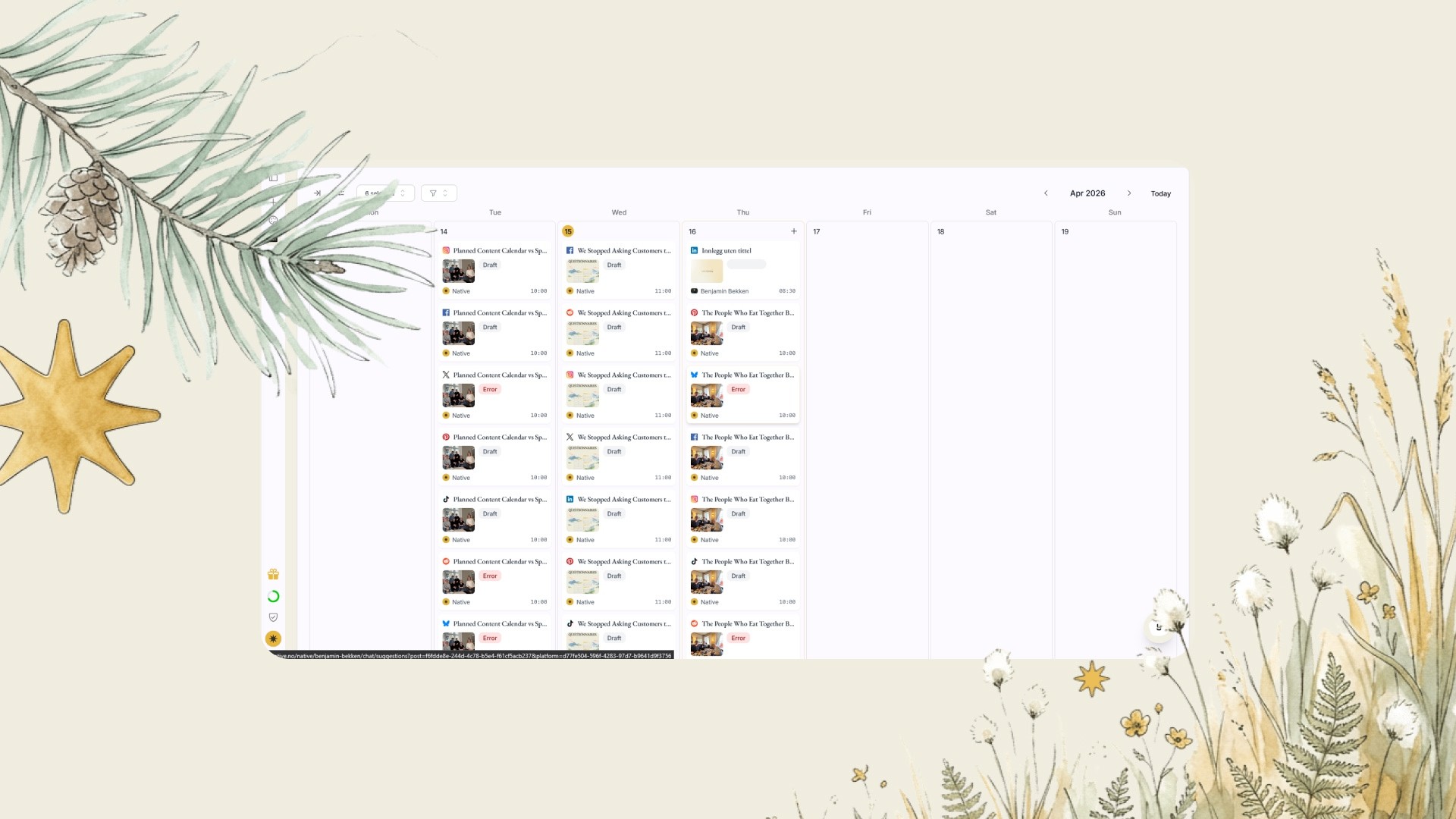
Better flow in suggestions and calendar
Clearer calendar, confirmation when you accept suggestions, tagging in captions, and a cleaner way to review the suggestions.
1.5.0
A calmer way to work with content
We've made several changes to how you review suggestions and keep track in the calendar. The goal is for you to know what's happening at all times without having to think about it.
How it works
The calendar dots now show the full lifecycle of a post, not just whether it has been approved or failed. You can immediately see whether something is scheduled, published, or has stalled.
When you approve a suggestion, you get a confirmation telling you what happened, so it doesn't feel like the app just moves on without warning.
The suggestion flow has been cleaned up. You approve or reject, and rejected suggestions are regenerated at the back of the queue instead of lingering.
Suggestions and the calendar are now in sync. Changes in one place update the other.
You can tag partners and accounts in the caption by typing @ directly in the text field.
Notifications and events from the team are shown again in the new chat layout.
One more thing
Batch-generated posts that could previously get stuck in "review" and never appear have been fixed. All new content is now made available as soon as it's ready.