Add your social media
How do you connect to your social media?
💡In this guide, you will get an introduction to how
You connect to your social media channels
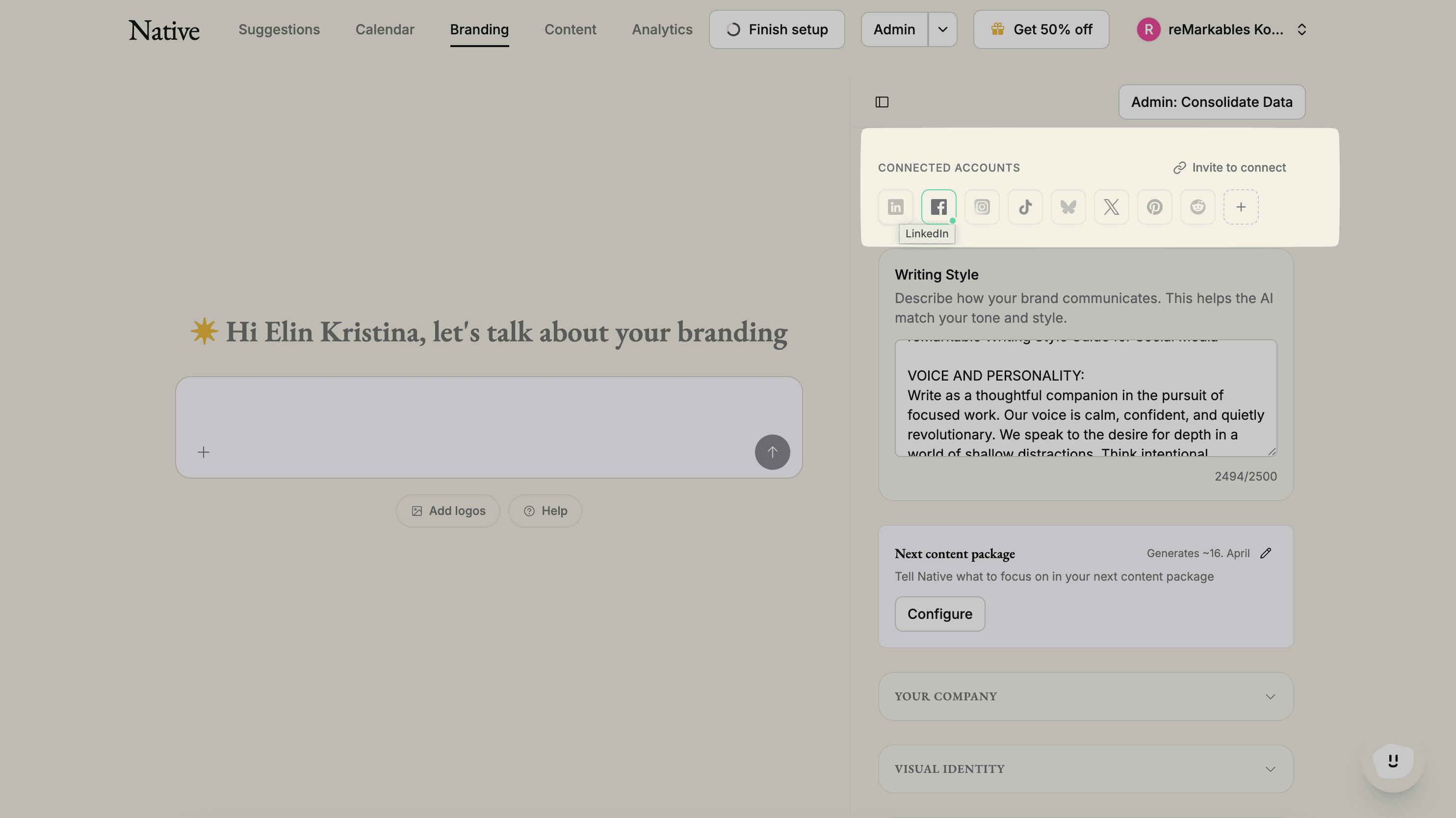
Access the brand assistant. You can find it in the top left corner. Here, you can easily add new channels. Choose the channel you want to connect with and follow the instructions that you encounter.
☝🏼Some rules to remember when connecting the correct user
To connect Native to your company’s Facebook page, it is necessary that you, as a private individual, are listed as an "administrator" of the page in question. If this is the case, log in with your personal Facebook and Native will automatically link to your company page.
You log in with your personal LinkedIn account, and after completing the login, you will be able to select your company page.
To log in with Instagram, you CANNOT use the "Facebook login" option; you must enter both your username and password.
Now you are good to go and can start reviewing this month's posts!