Getting started
How to get started with Native
💡In this article, you will get an introduction to how
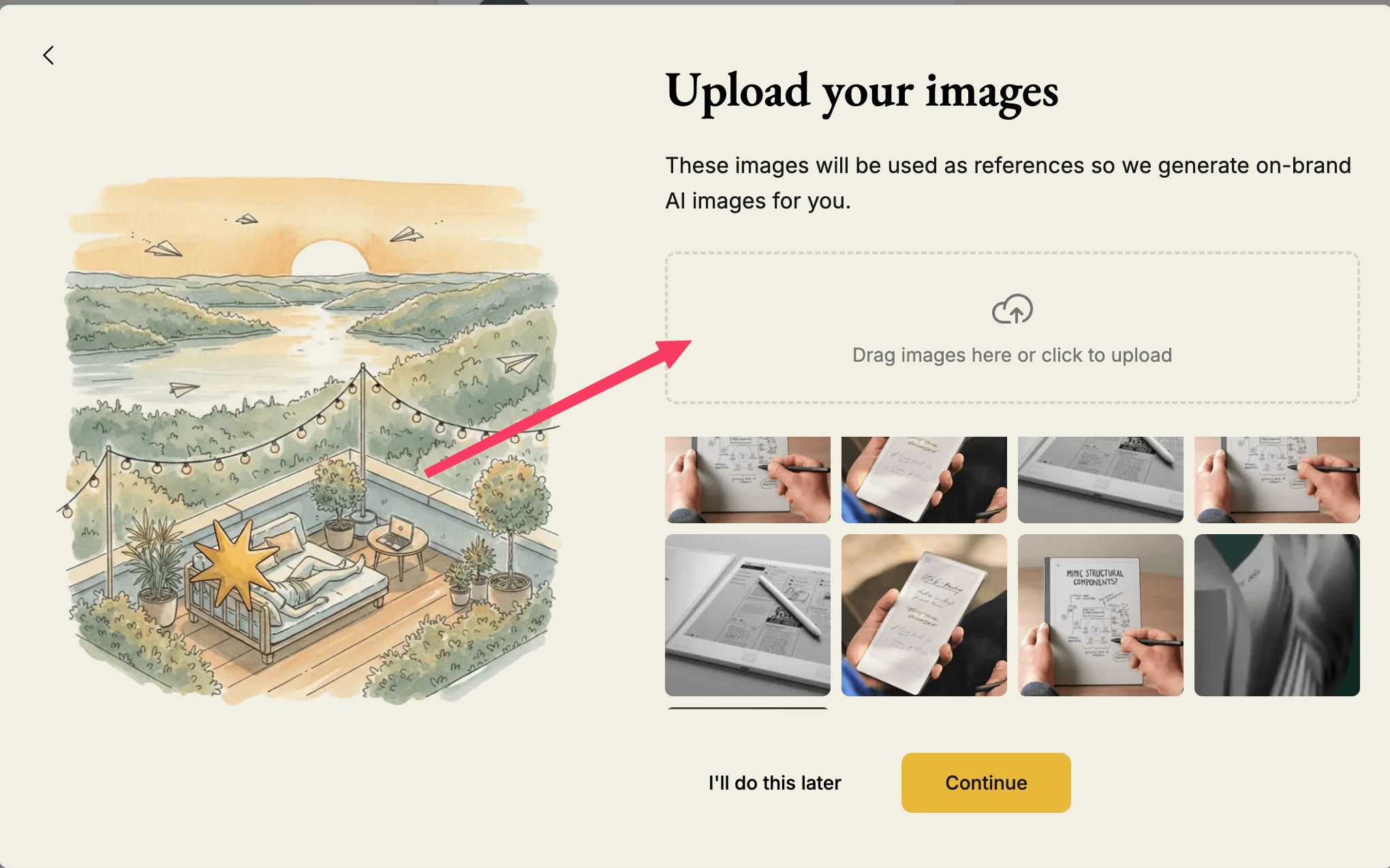
Upload images to Native
How to link your social media to Native
Now you are in the Native platform and are about to get started. We will help you with this!
We recommend uploading images to Native so that the agent has even more context, and you can more easily create content based on your own images.
Connect to your social media
The next step is to connect to your social media. Click on "connect". You will now be guided to a login portal where you can log in with your desired platforms. Choose the desired media and log in. After logging in, you should be connected.
☝🏼Some rules you must remember when connecting the correct user
To connect Native to your business's Facebook page, it is necessary that you as a private person are listed as the "administrator" of the relevant page. If this is the case, log in with your private Facebook account and Native will automatically link to your business page.
You log in with your private LinkedIn account, and after completing the login, you will be able to select your business page.
To log in with Instagram, you CANNOT use the "Facebook login" option; you must enter both your username and password.
Now you are good to go and can begin reviewing this month's posts!