
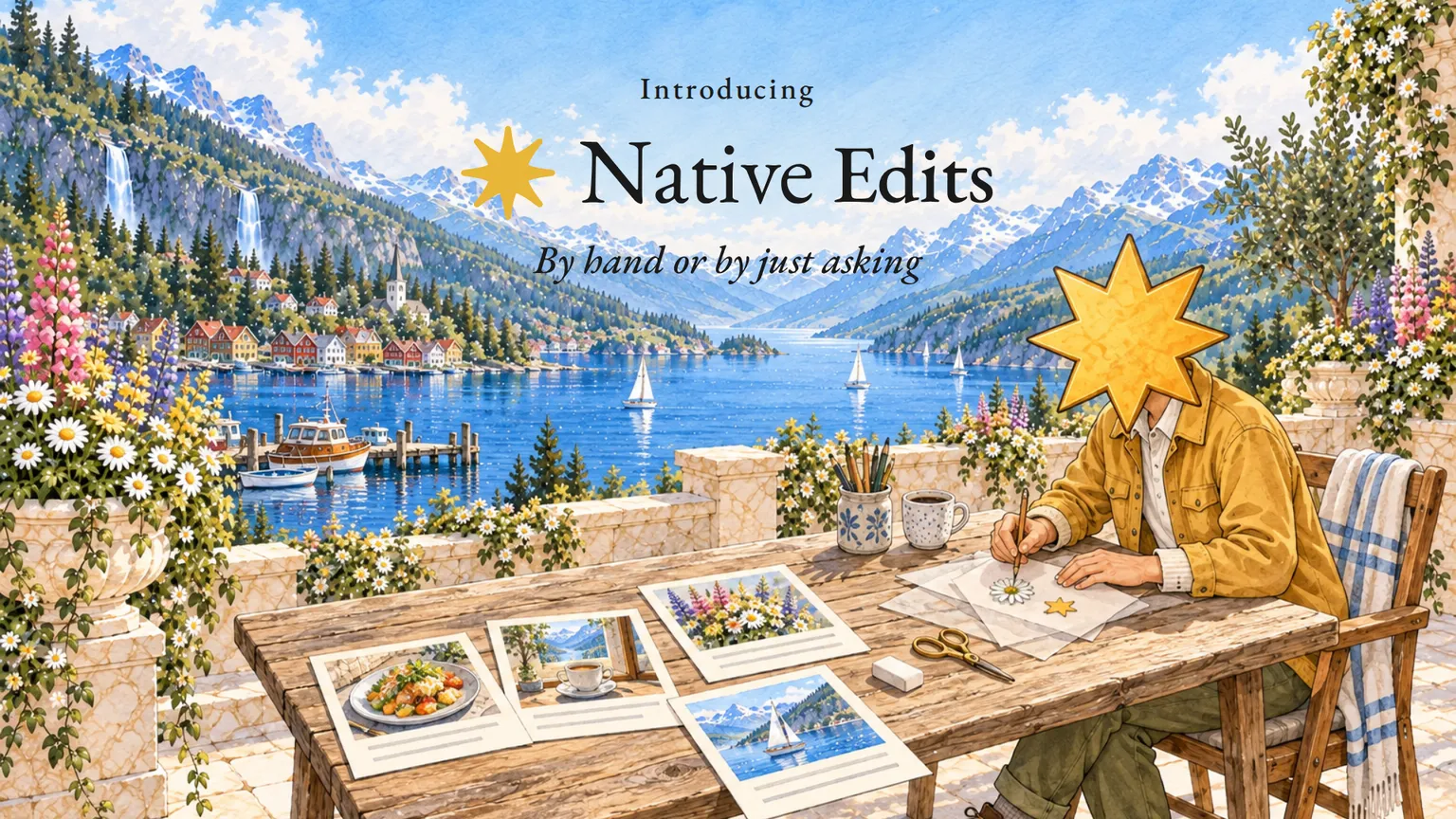
Native Edits is live.
Every word, every element and every layer of your post is now yours to change. By hand, or by just asking.
Most posts Native makes for you are close. The idea is right. The photo is right. And then there is the one thing. The headline is a word too long. The price belongs in the corner. The caption calls your cinnamon buns heavenly, and you would never say heavenly.
That one thing should take a few seconds. It should not mean learning a tool, or making the same fix again on the next post.
Not anymore. Open a post and change it yourself, or tell the assistant what you want in one sentence and let it do the work.
Say hello to Native Edits.
Native Edits, in plain words
Open a post and everything is in one place: the picture, the caption and the assistant beside them.
Then make any change in one of two ways. Do it yourself, or say it in a sentence. Full control, without the learning curve.
By hand
Rewrite the caption yourself. Type straight into the Caption box. Or press Rewrite, and Native writes a new version from what is there.
Adjust an element. Press Open designer, and the post opens on a canvas. Move the logo, shorten the headline, change a colour or take something out.
Change a single layer. Every part of a design is its own layer, listed under Layers. Pick one, change it, hide it or lock it, and the rest stays exactly as it was.
Or just ask
Tell the assistant what you want, the way you would tell a colleague, and it makes the change on the post in front of you.
"Make the headline shorter." "Move the logo to the bottom corner." "Use the photo of the terrace instead." "Put the wool throw on it, with the price." "Hide the date." "Make the caption warmer."
One sentence is enough, down to a single layer.
It writes the way you write
The assistant runs on everything Native already knows about your business. Your tone of voice and your dos and don'ts. Your products, with their real names and prices. Your own photos.
So when it edits, it writes the way you write. And when it puts a product on a design, it brings the product's own photo, name and price.
It learns from your edits
Every edit you make says something about how you want your posts. Now Native pays attention.
When you change a caption by hand, or the words on a picture Native designed, Native reads what you changed once you are done. If the change says how you always want it, a word you never use or a sign-off you always want, it keeps it as a rule for your next posts. If it was about this post alone, like a date, a price or a typo, it keeps nothing.
It works out which changes are one-offs and which ones are rules, and it only keeps a rule when the change could not reasonably be a one-off. Keep changing the same thing on designs the assistant made, and it learns that too.
The rules it learns from your edits are in Memory, marked Learned from your edits, and you can change or remove any of them. A rule it learns never overrides one you set yourself.
The same goes for what you tell the assistant. Say you never want emojis, and it remembers that for future posts and says so under its reply, with an Undo right there.
Autopilot, with a steering wheel
Autopilot plans your posts, makes them and publishes them on its own. Now its steering wheel reaches every layer.
Every post Autopilot puts on your calendar opens in the same place, with the same assistant. Its designs come in layers, so you can change one thing and leave the rest. You still get an email before anything goes out.
And whatever you change there teaches Native something for the next ones.
Where it sits
Native was built to run the whole job. The ideas come from your actual business. The words and the images are made in your voice. The week gets planned and published across your channels.
Native Designer put every layer in your hands. Native Edits lets you change any of it by just asking, and the changes you make teach Native how you want things done.
How to get started
Native Edits is in your account today. Open Native and open a post that has not gone out yet. Type in the Caption box, press Open designer to work on the layers, or tell the assistant what you want.
Posts already on your calendar work a little differently. Most picture and text posts waiting for Instagram, Facebook, LinkedIn, Threads, X or Bluesky can still be changed from their card, up to ten minutes before they go out. Videos, stories and posts set to music can't, and neither can posts for other networks: unschedule those first, change them and schedule them again. A post that is already published stays as it went out.
You know how your business sounds better than any tool does. Now every post can sound like it, and getting it there takes a sentence.
Open Native and edit a post. Let us know what you think.
We're just getting started.