
Start her
Set up your brand with Elin
 Elin Kristina AnderssonFounding GTM0:41Spilt inn 18. november 2026

Every new brand starts with a short setup, with Elin as your guide. It comes as a deck of cards: each shows what Nativean found about the brand, so you can fix it before the first posts.
I denne videoen
Steg for steg
Steg 1: Your look
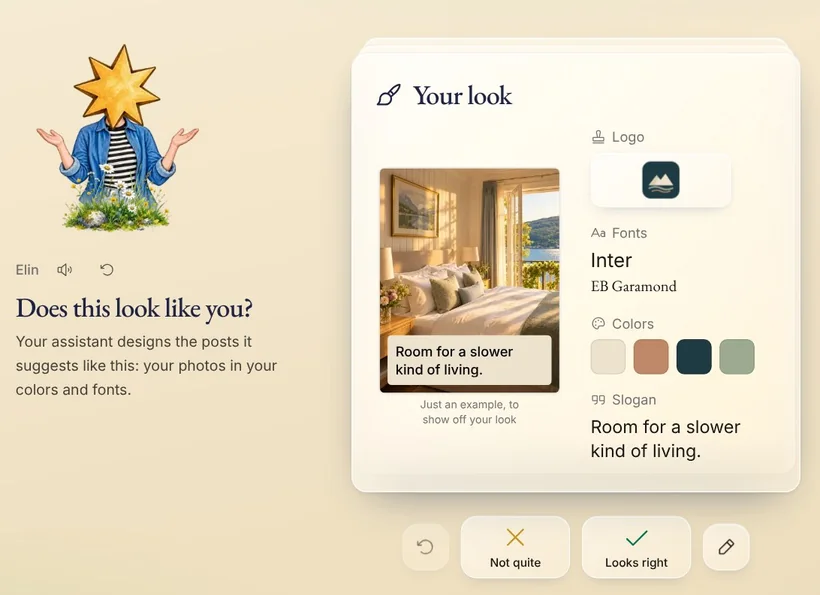
The first card is your look: the logo, colors, fonts and slogan Nativean found on your website.
Steg 2: Ask your assistant
Want something changed? Tell your assistant in the chat, like “Make the slogan: Quiet rooms by the fjord.” It changes the card, and presses the check for you.
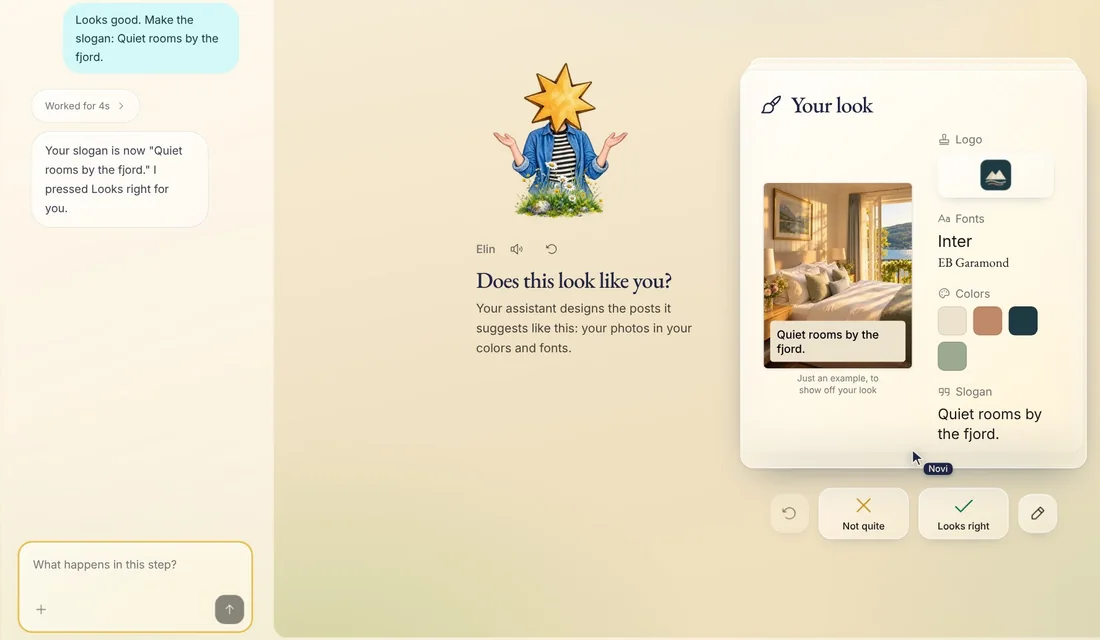
Tips: Novi in the corner opens the chat beside the deck.
Steg 3: The other cards
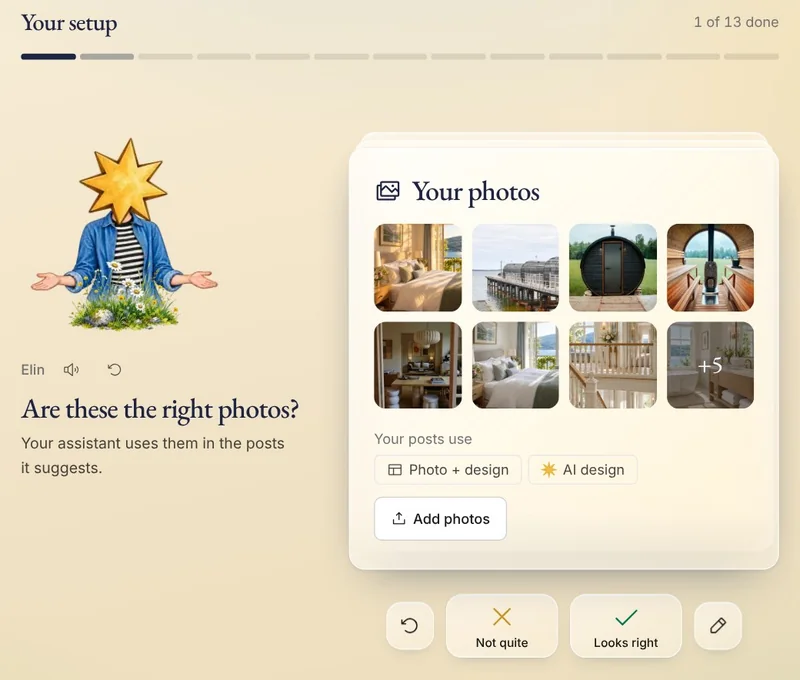
Then come your photos, what you offer, how you sound, what Nativean knows about your business, and the channels you post on. The bar at the top shows how far you have come.
Steg 4: Or do it yourself
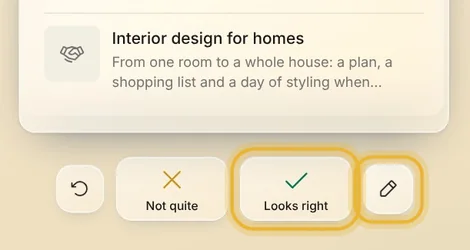
Press the check when a card is right, or the pencil to change it yourself.
Steg 5: All set
When every card is done, you are all set. You can change all of it later, in Memory and Settings.
Tips fra Elin
- Not sure about a card? Ask your assistant what it means, in your own words.
Prøv det i Native
Ny i Native? Start med nettsiden din, og se de første innleggene dine i dag.