
Forslag
Undo a choice in Suggestions
 Elin Kristina AnderssonFounding GTM0:36Spilt inn 18. november 2026

Changed your mind about a card? Most choices in Suggestions can be taken back.
I denne videoen
Steg for steg
Steg 1: Ask your assistant
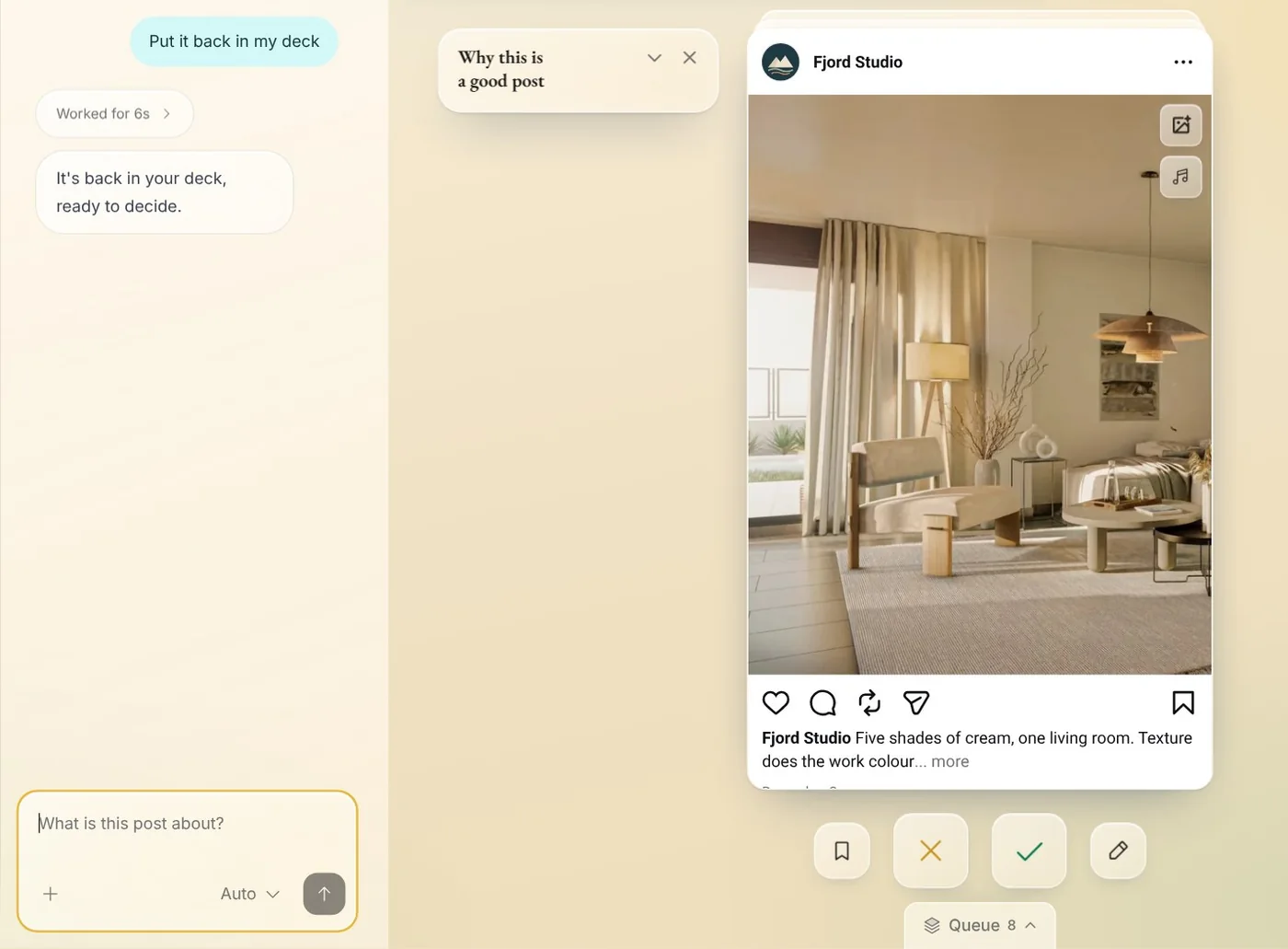
Saved a post for later and want it back? Tell your assistant, like “Put it back in my deck”. The post is back on top of your deck, ready to decide.
Steg 2: Or use the Queue
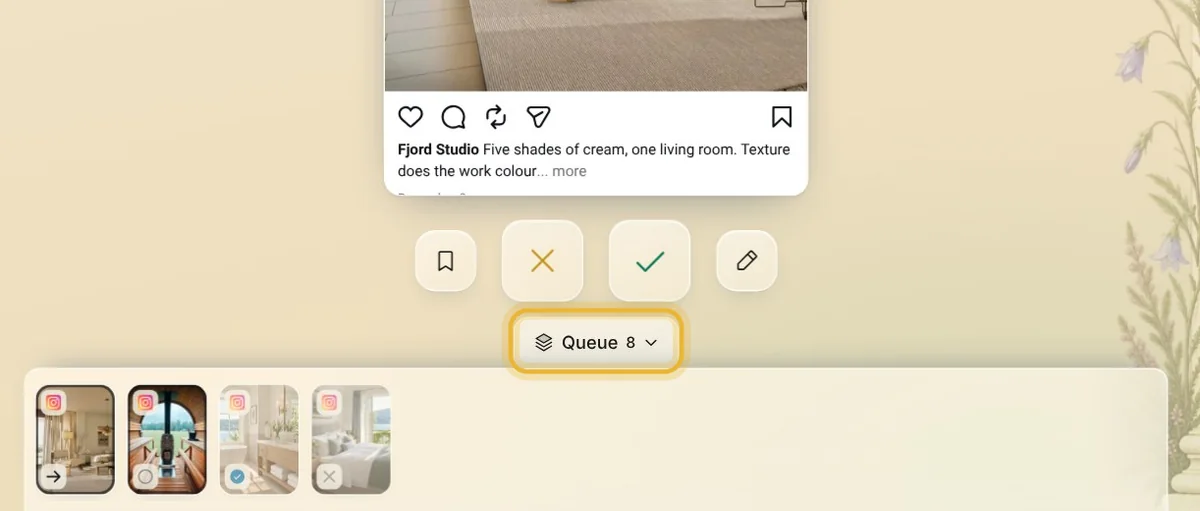
Press Queue under the deck. The posts you have decided show in a row under it: press one to see it again.
Steg 3: Bring it back
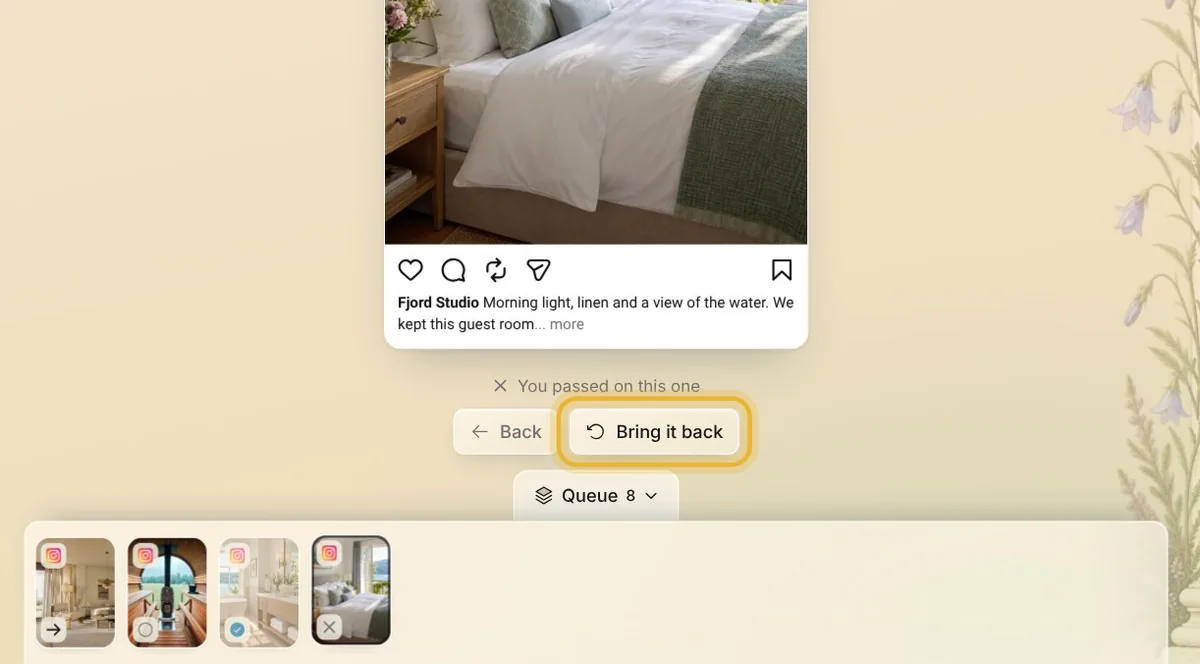
A post you passed on has Bring it back. Press it, and the post is in your deck again.
Steg 4: Approved posts
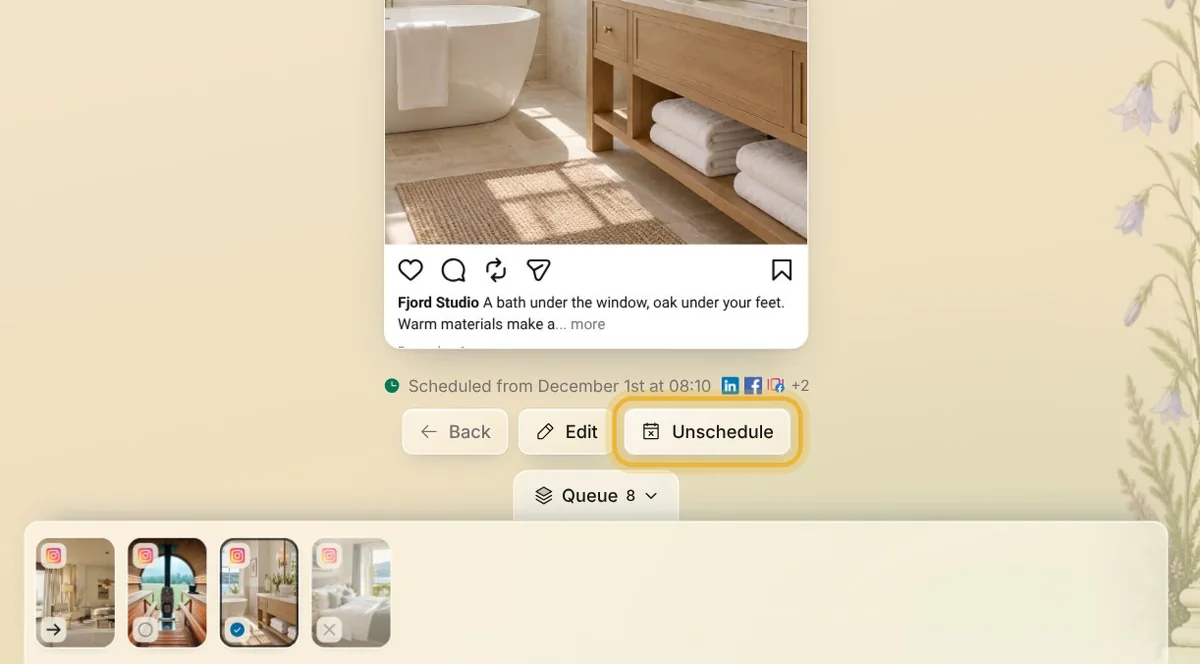
An approved post is booked: press Unschedule and confirm, then press Undo. If it already went out, the button says Unpublish instead.
Tips fra Elin
- You get the suggestion back too, unless the post went out. A suggestion from your plan comes back only until your suggestions refill; one bought in a pack comes back even after.
Prøv det i Native
Ny i Native? Start med nettsiden din, og se de første innleggene dine i dag.