Start here
Connect your social channels
 Elin Kristina AnderssonFounding GTM0:32Recorded 18 de noviembre de 2026

Nativean posts on the channels you connect to your brand. It takes a minute, and you only do it once.
In this video
Step by step
Step 1: Ask your assistant
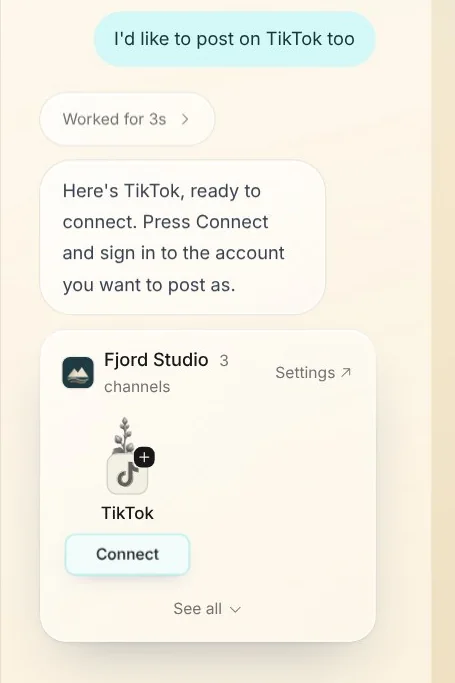
Tell your assistant where else you would like to post, like “I'd like to post on TikTok too”. It brings up your brand's channels with that one ready to connect.
Step 2: Connect a channel
Press Connect, and sign in to the account you want to post as in the window that opens. Signing in is always your own step, on the channel's own page.
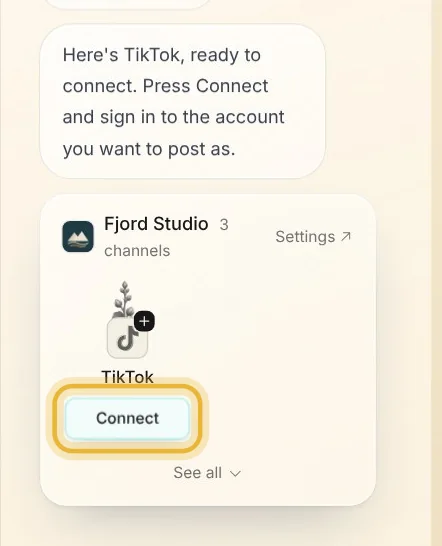
Tip: Connecting here only changes this brand. Each brand has its own channels.
Step 3: All your channels
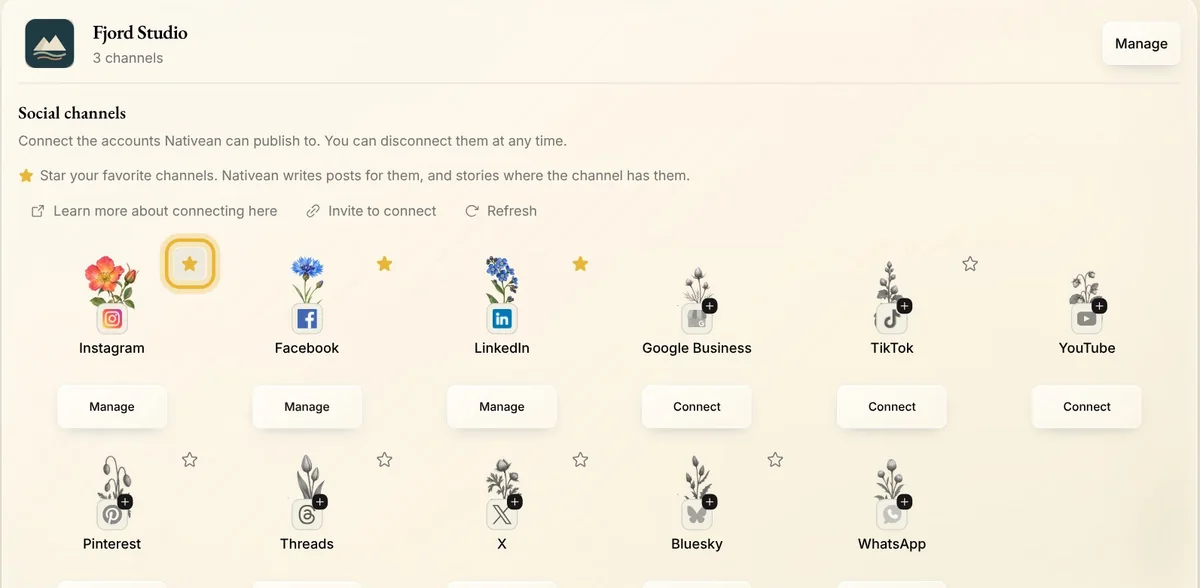
The card's Settings button opens all your brand's channels. A connected one says Manage under it, and Reconnect when it needs you to sign in again. A star means Nativean writes posts for that channel.
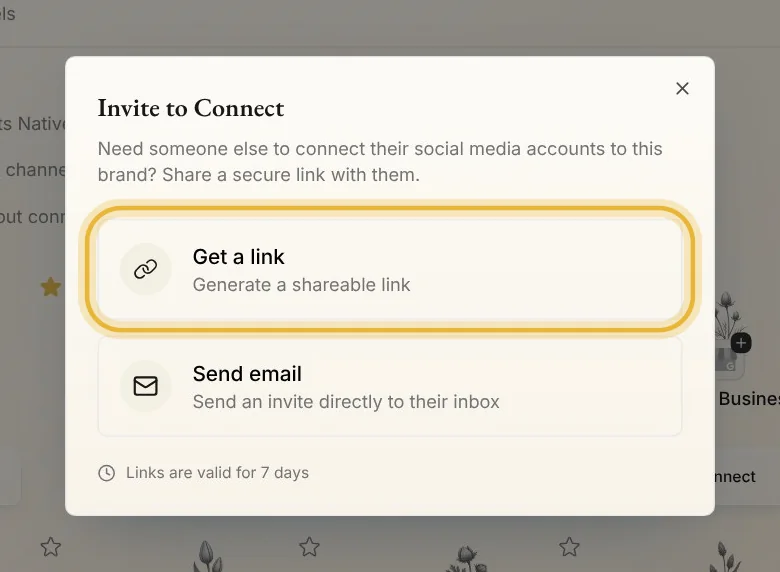
Step 4: Invite someone to connect
If someone else has the login, press Invite to connect. Get a link to send them, or send them an email from Nativean. The link works for 7 days.
Tips from Elin
- Connect your channels before you approve posts, so they go out on their own at the planned time.
- Meta ads in the same place is for running ads. Connect it when you are ready to advertise.
Try it in Native
New to Native? Start with your website, and see your first posts today.