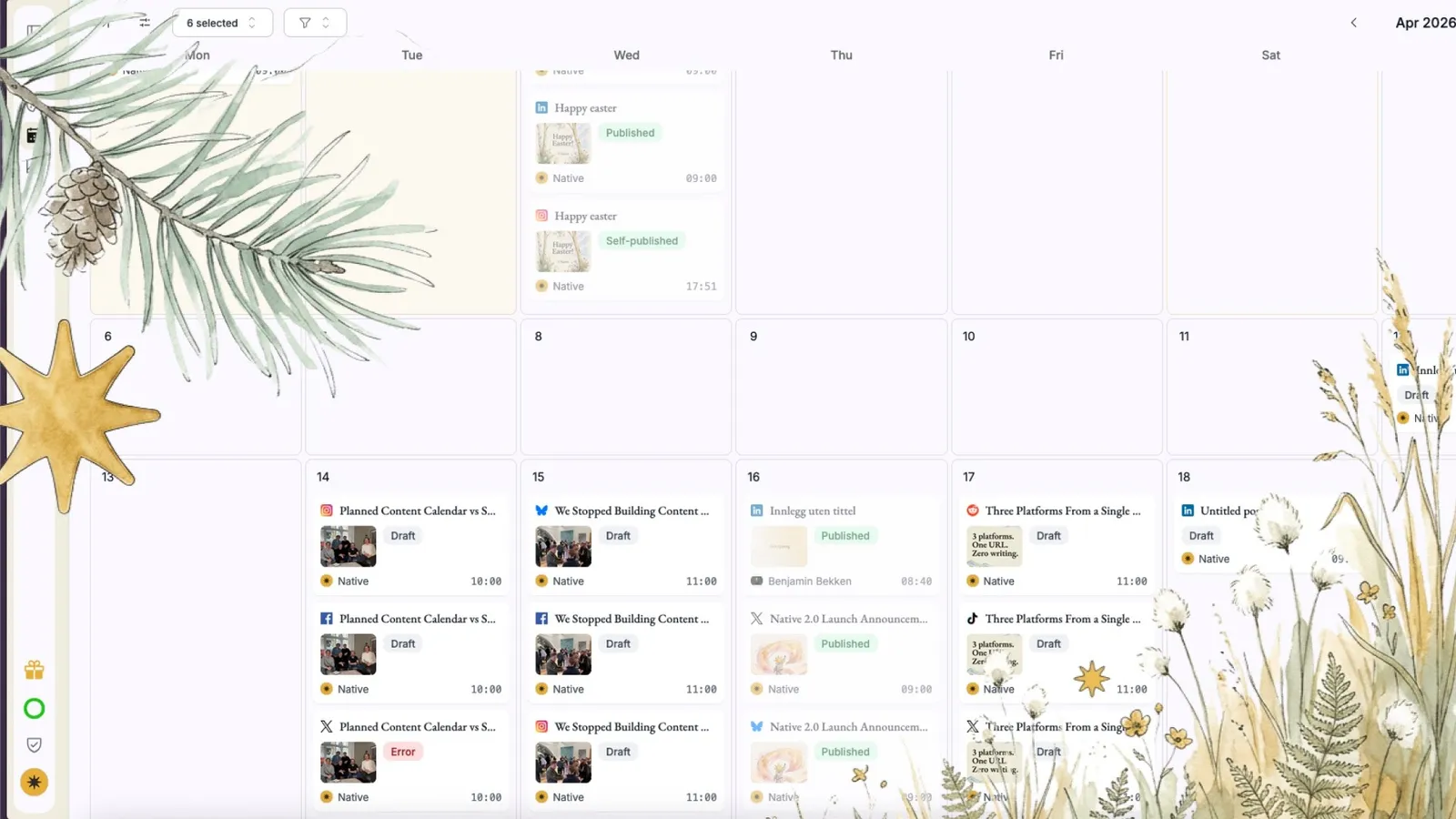

Kalenderen viser det den skal, og sletting fungerer
Etter 2.0-lanseringen har vi rettet en rekke feil rundt kalenderen og hvordan innlegg slettes. Fremfor alt handler det om å sørge for at det du ser stemmer med det som faktisk er planlagt.
Slik fungerer det
Den hvite skjermen når du klikker på innlegg er rettet
«Flytt til papirkurv» for planlagte innlegg fungerer og viser en tydelig feilmelding hvis noe går galt
Slettede innlegg vises ikke lenger i forslagskalenderen
Kalenderen i forslagsvisningen viser nå alle innlegg, ikke bare de i den dynamiske køen
Hvis du klikker på et utkast i kalenderen, åpnes utkastet, ikke forslagsflyten
Mislykkede plattformpubliseringer kan slettes eller gjenopprettes direkte
Sletteflyten rydder også opp hos publiseringsleverandøren, slik at ingen «spøkelsesinnlegg» blir igjen