
Konto og merkevarer
Workspaces and brands, explained
 Elin Kristina AnderssonFounding GTM0:45Spilt inn 21. november 2026

Nativean has two levels. Your workspace holds your plan, your team, and the tokens and suggestions everyone shares. Inside it are your brands, each one business or one person, with its own Memory, look and channels.
I denne videoen
Steg for steg
Steg 1: Ask your assistant
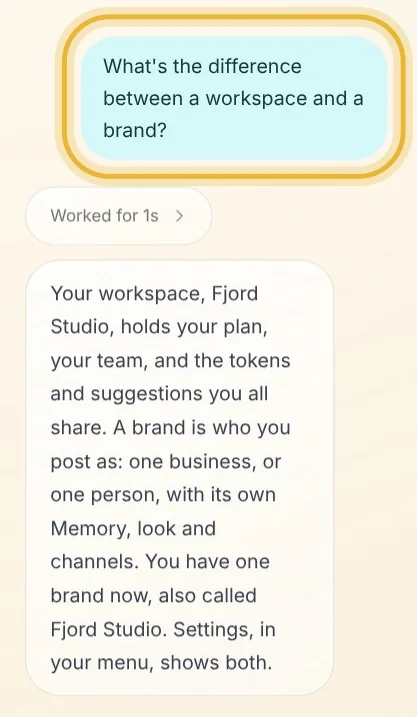
Ask your assistant, like “What's the difference between a workspace and a brand?”. It reads your workspace and answers with its name and your own brands.
Steg 2: Your workspace
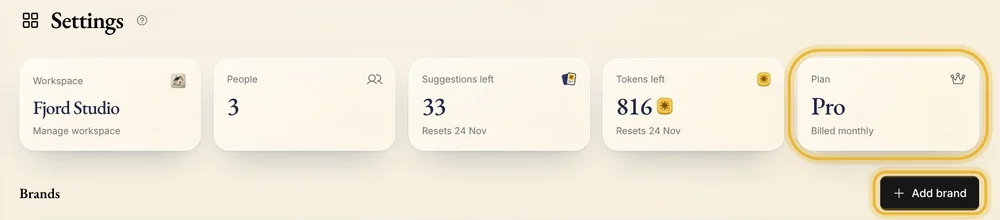
Open Settings from your menu. The overview starts with your workspace: its name, the people in it, the suggestions and tokens left this month, and your plan. They belong to the whole workspace, not to one brand.

Steg 3: Your brands
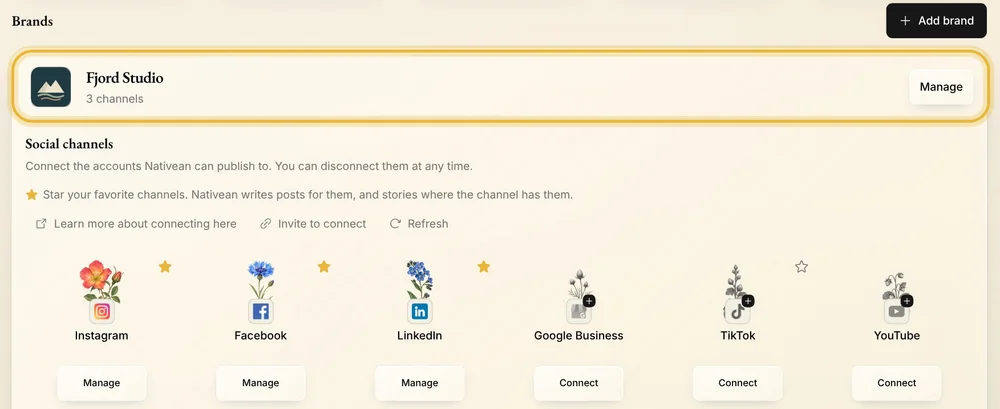
Below are your brands. A brand is who you post as: one business, or one person. Each has its own Memory, its own look and writing style, and its own social channels and posts. A personal brand added beside a company brand starts out with the company brand's look and pictures.
Steg 4: Brands and your plan
Your plan includes one brand, or three on Max, and Enterprise includes them all. Each brand past that costs extra, billed monthly or yearly like your plan, and gives the workspace more tokens and suggestions to share. Add brand shows the price before you create one.
Tips: Only a workspace owner or admin can add a brand.
Steg 5: A new workspace
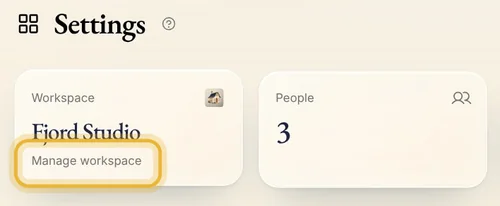
Make a new workspace when a business needs its own plan and bill, or its own team. It starts like your first sign-up, with a plan of its own. A social account that's connected in a workspace you're not part of can't be connected in yours.
Tips fra Elin
- Want a business and its owner? Make two brands in one workspace: a company brand and a personal one.
- With more than one workspace, Switch workspace in your menu lists them. Press Switch on the one you want.
Prøv det i Native
Ny i Native? Start med nettsiden din, og se de første innleggene dine i dag.