
Hukommelse
Tell Nativean what to post about
 Elin Kristina AnderssonFounding GTM0:33Spilt inn 19. november 2026

Topics tell Nativean what your posts should be about. Tell your assistant what you want more of, and what to leave alone, and it adds them for you.
I denne videoen
Steg for steg
Steg 1: Ask your assistant
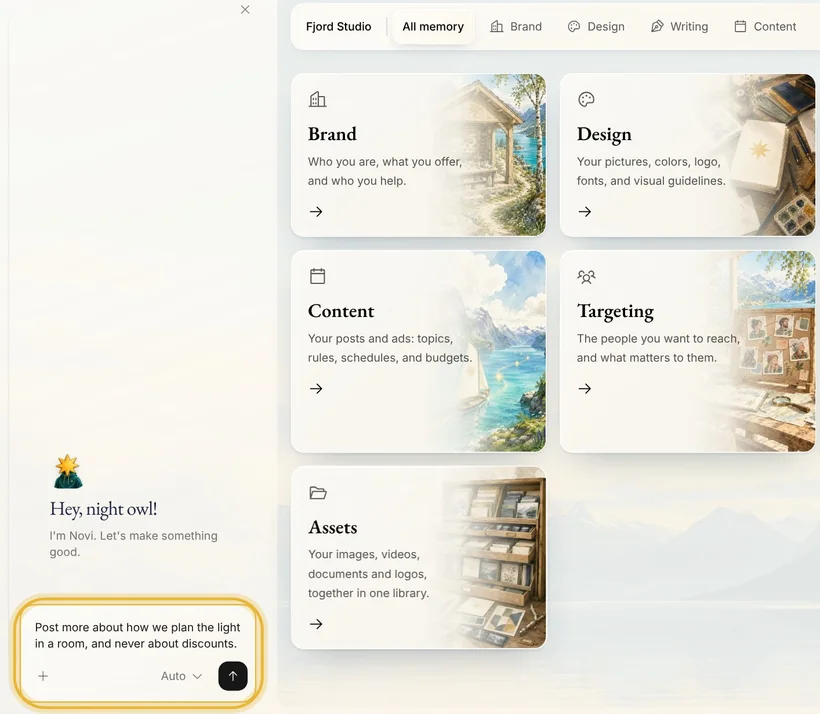
In the chat beside the page, say what to post about and what to leave alone, in your own words, like “Post more about how we plan the light in a room, and never about discounts.”
Steg 2: It adds the rules
Your assistant adds one rule under Post about and one under Stay away from. Saved to memory, in the chat, shows both, with Undo if you change your mind.
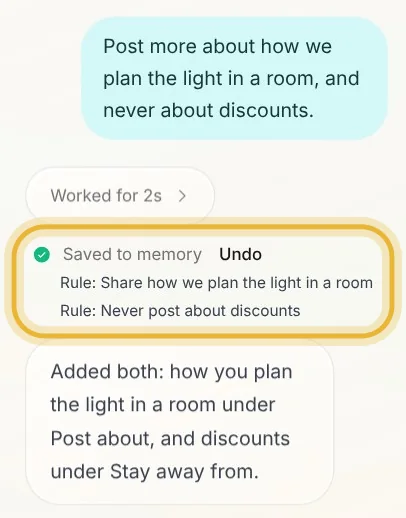
Tips: What to stay away from is saved as Strict: a must, not a preference.
Steg 3: Check them in Topics
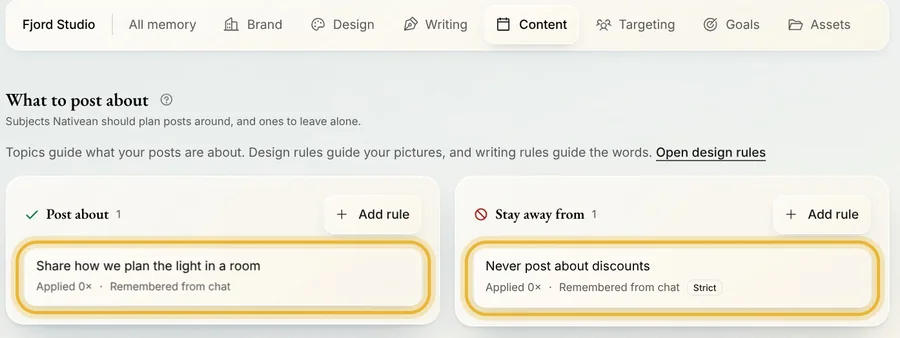
In Memory, open Content, then Topics. The page is called What to post about, with two columns: Post about, and Stay away from. Your new rules are there, marked Remembered from chat.
Steg 4: Add one yourself
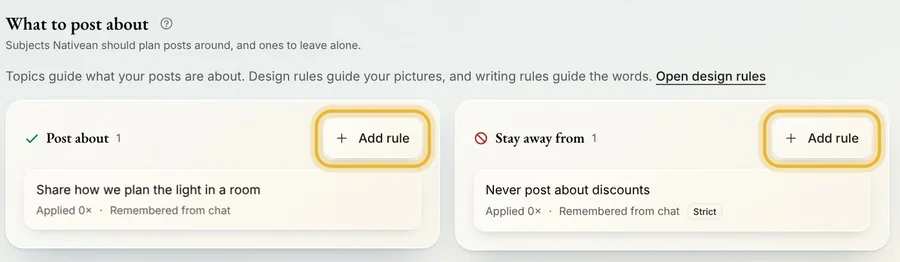
Under either column, press Add rule. Write the subject under Rule, choose Organic, Ads or both under Content type, and press Save rule. While a column is empty, its examples open the window with the rule written.
Tips: Turn on Strict enforcement when it's a must, not a preference.
Steg 5: Pause, edit or delete
Point at a rule to see its pause, edit and delete buttons. A paused rule stays in the list, marked Paused, and Nativean leaves it out until you resume it. Delete asks you first.
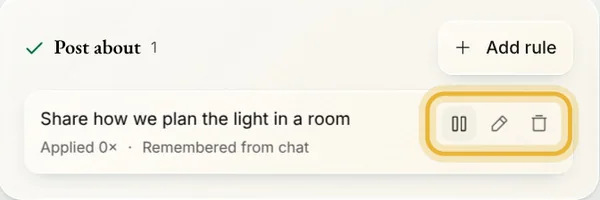
Tips: On a phone or a small screen, these buttons are always there.
Tips fra Elin
- Topics shape what Nativean makes from now on. Posts already scheduled or published stay as they are.
- Topics are about subjects: what a post is about. How your posts are worded, and the words to use or avoid, go in Writing, under Voice & language.
- To change or remove a rule, ask your assistant, or do it on the page.
Prøv det i Native
Ny i Native? Start med nettsiden din, og se de første innleggene dine i dag.