Create
Make a post from your own idea
 Elin Kristina AnderssonFounding GTM0:47Recorded October 25, 2026
Have something to share? Tell Native in a sentence or two. It writes the caption in your voice and makes the picture in your look, and you get a draft to finish.
In this video
Step by step
Step 1: Open Post in Create
In Create, press Post. A few short questions follow, one at a time.
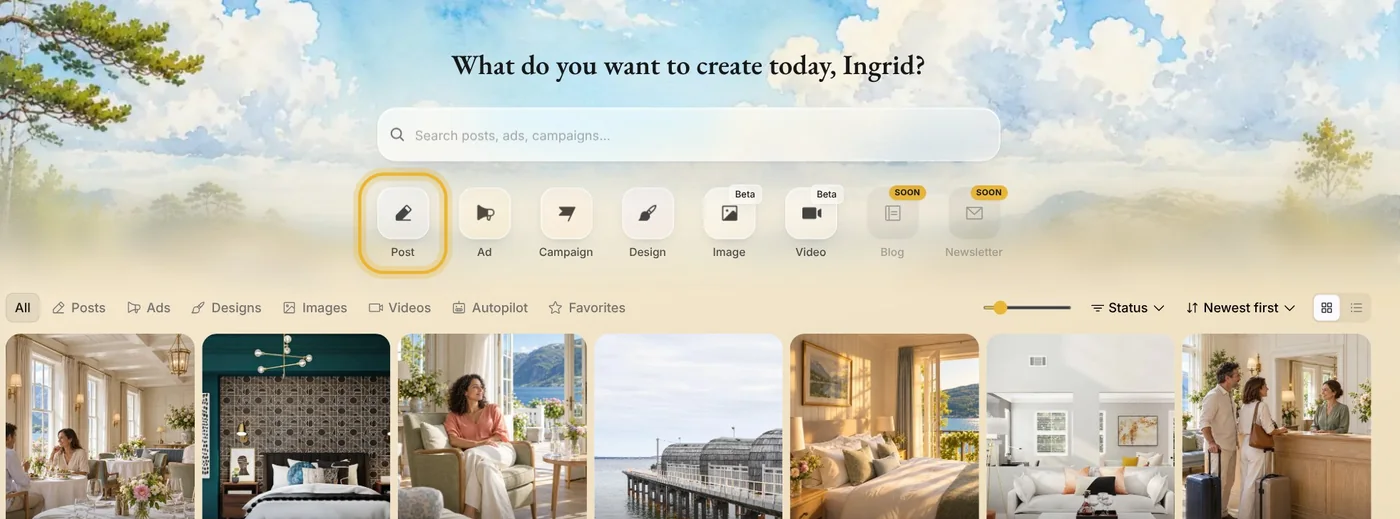
Step 2: Let Native make the picture
Choose Let Native create it, and Native makes an on-brand picture from your idea. Want it to show your real product, shop or team? Pick your photos on the next question, or press Continue without photos.
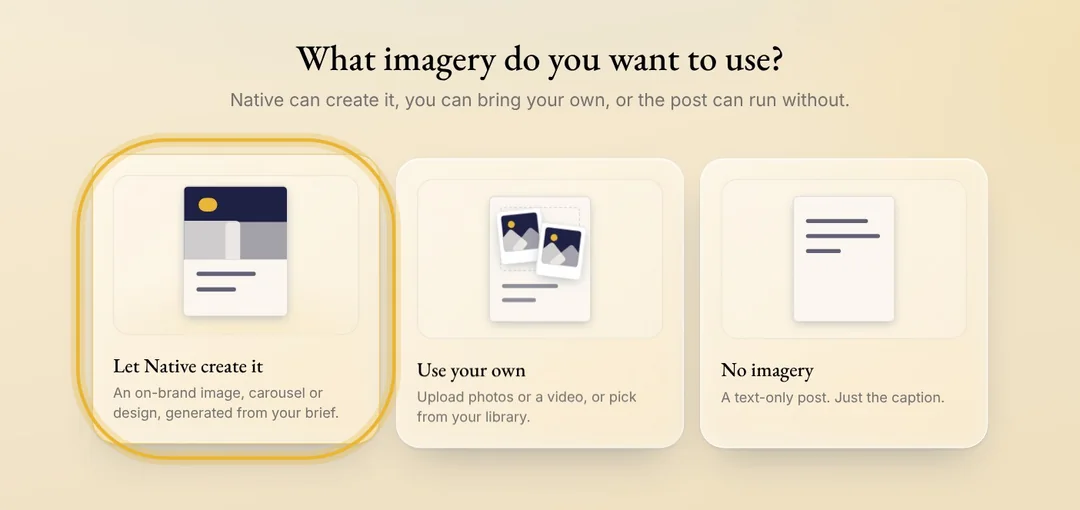
Tip: Use your own puts your photos or a video on the post as they are. No imagery makes a post with only the caption.
Step 3: Let Native write the caption
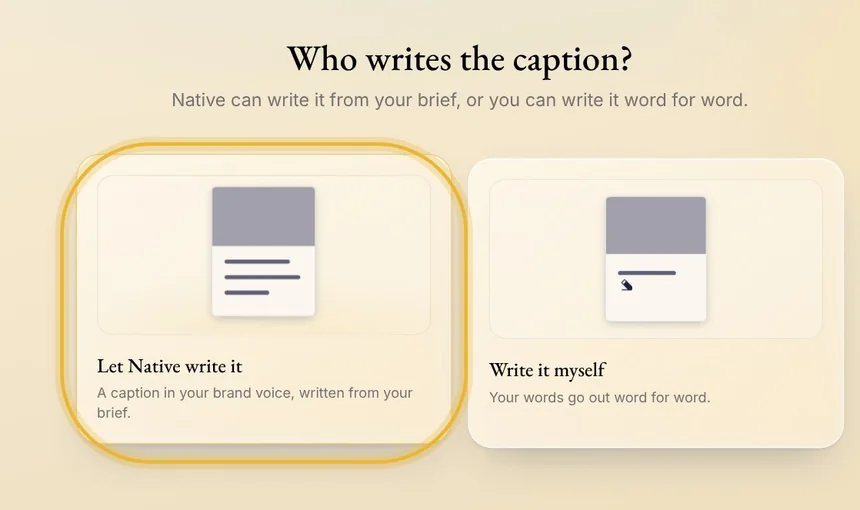
Choose Let Native write it, and the caption comes in your brand voice. With Write it myself, your words go out word for word.
Step 4: Say what the post is about
Write a sentence or two: what is new, who it is for, and what you want people to do. Native adds what it knows about you from Memory.
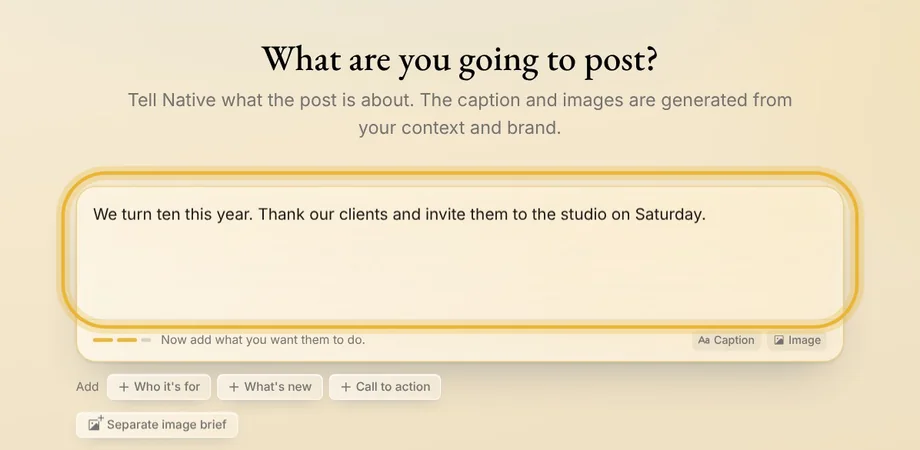
Tip: Stuck? Before you type, the starters under the box, like Offer or Hiring, give you a sentence to finish.
Step 5: Create the post
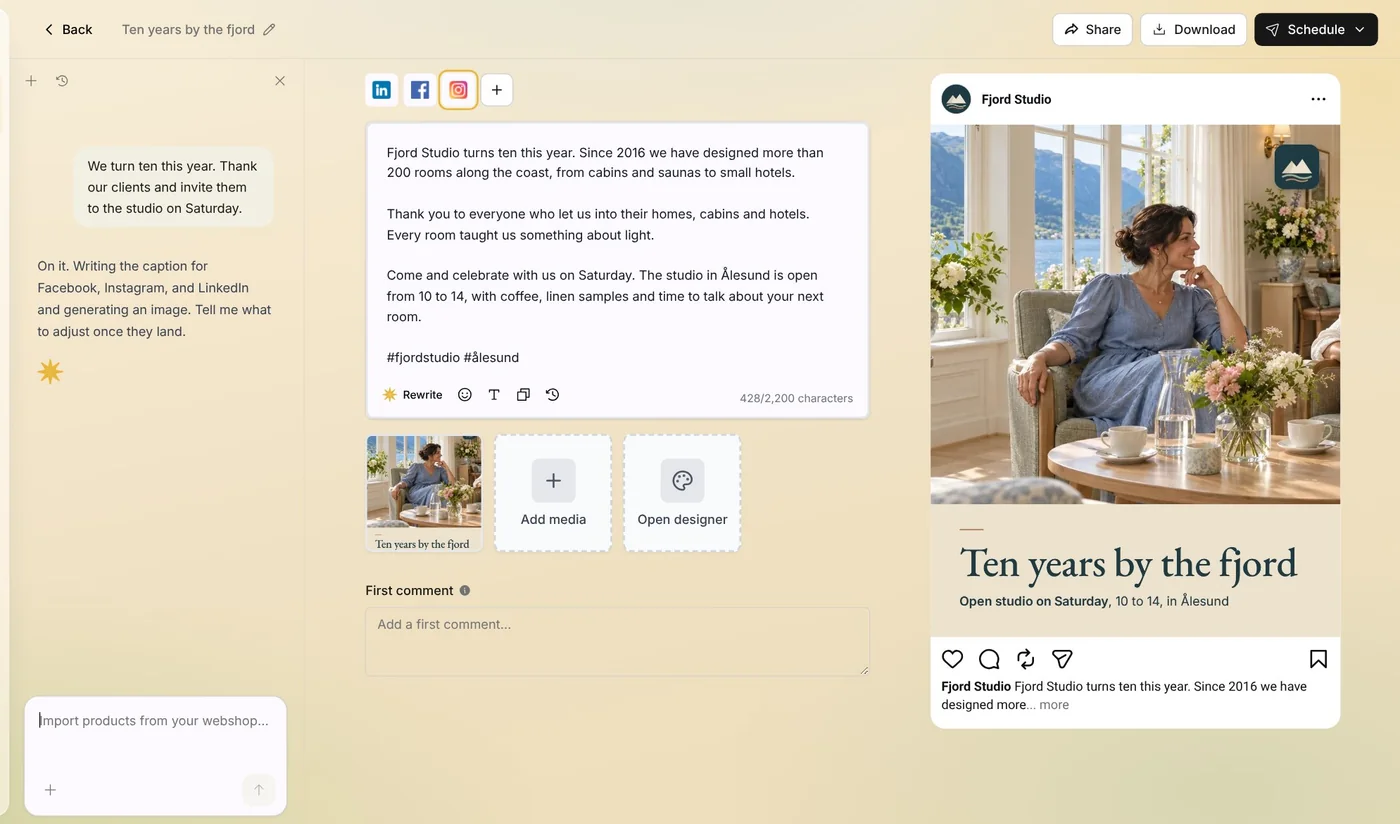
Native picks the channels chosen under Auto-generated platforms in Memory, or your connected channels if you have not chosen any. Check them, then press Create post. The post opens as a draft in the editor: the caption usually lands first, then the picture, and both are yours to change before you schedule it.
Tips from Elin
- Name the place, the day and the offer. The more concrete your idea, the more concrete the post.
- Native writes each channel its own way, so LinkedIn gets a longer caption than Instagram.
- Not quite right? Ask Native in the chat beside the post to change it, or edit it yourself.
Try it in Native
New to Native? Start with your website, and see your first posts today.