
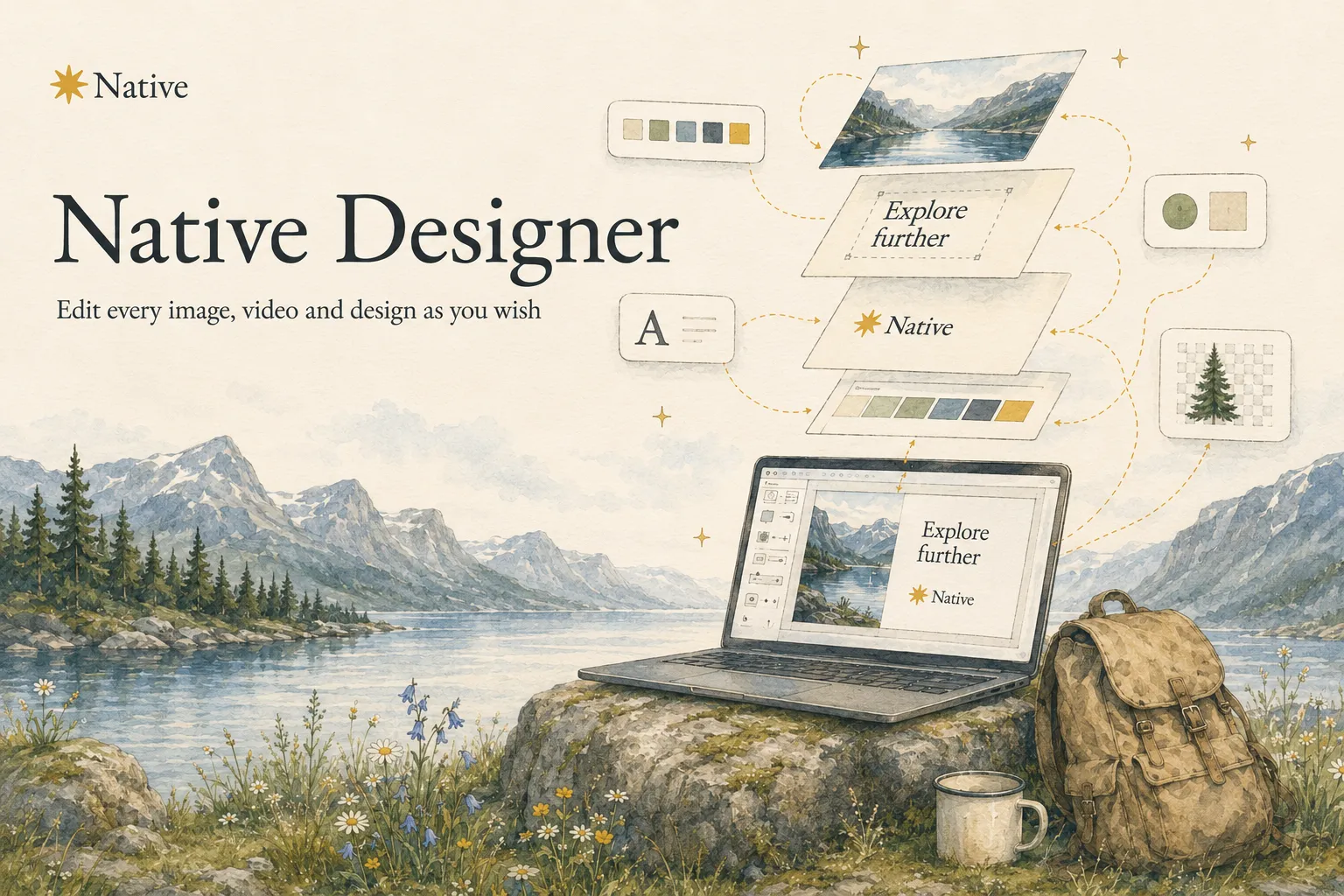
Native Designer is live.
Every post Native makes for you arrives finished. The image, the words, your colours, your logo. That was always the point.
But finished is not always final. Sometimes the photo is nearly right. Sometimes you want the logo a little bigger, the headline a little shorter, or that one element gone.
Until now that meant exporting the image, opening another app, fixing it there, and bringing it back.
Not anymore. Say hello to Native Designer.
A full design tool, inside the post you are already making
Designer opens straight from Create. You are looking at a post Native drafted, you press Open Designer, and the whole thing opens on a canvas you can actually work on.
Everything is where you left it. Same post, same image, same words, now with every layer separated and yours to move.
Everything you would open another app for
If you have used a design tool before, you already know how this works. There is nothing new to learn.
Add elements. Shapes, lines, icons, graphics and decorative pieces, dropped straight onto the canvas.
Work in layers. Every part of the design is its own layer. Reorder them, lock them, hide them, or pull one out on its own.
Remove a background. One click on any photo and the background is gone. Your product, cut out, against whatever you want behind it.
Bring in images. Generate new ones, pull from your own library, upload something you shot this morning, or search stock.
Type anything. Fonts, sizes, spacing, colour, alignment. Your brand fonts are already loaded.
Draw on it. Freehand, for the times a straight line will not do.
Size it for the format. One design, sized for the feed, the story or the ad.
Generate it, or make it yourself
You do not have to start from a blank canvas, and you do not have to accept what you are handed.
Ask Designer to generate a design and it builds one from what Native already knows about your business. Your colours, your fonts, your logo, your photos. Then change whatever you like by hand.
Or start from nothing and build it yourself. Or take a post Native already made and move three things. All of it, some of it, or none of it. Your decision.
Nothing you do is permanent
Designer saves as you go, and it keeps your versions.
Try something. Hate it. Go back. Every design has a history you can step through and roll back to, so there is no version of this where you ruin something and cannot get it back.
Your brand is already in it
This is the part a general design tool cannot do.
Designer opens with your brand already loaded. Your colours are in the palette. Your fonts are in the font list. Your logos are one click away. Your product photos and your media library are right there in the sidebar.
You are not rebuilding your brand every time you open a canvas. It is already there.
Where Designer sits
Native was never meant to hand you a rough draft and wish you luck.
The ideas come from your actual business. The words and the images are made in your voice. The week gets planned and published across your channels. The replies land in your inbox. The numbers explain themselves. The budget goes behind whatever works.
Designer is the last piece of control that was missing. Everything Native makes for you is now yours to change, down to the pixel, without leaving the page you made it on.
How to get started
Native Designer is in your account now. Log in, open Create, pick a post, and press Open Designer.
You did not start your business to learn a design tool. Now you do not have to. But when you want to move something two pixels to the left, it is finally yours to move.
We're just getting started.