
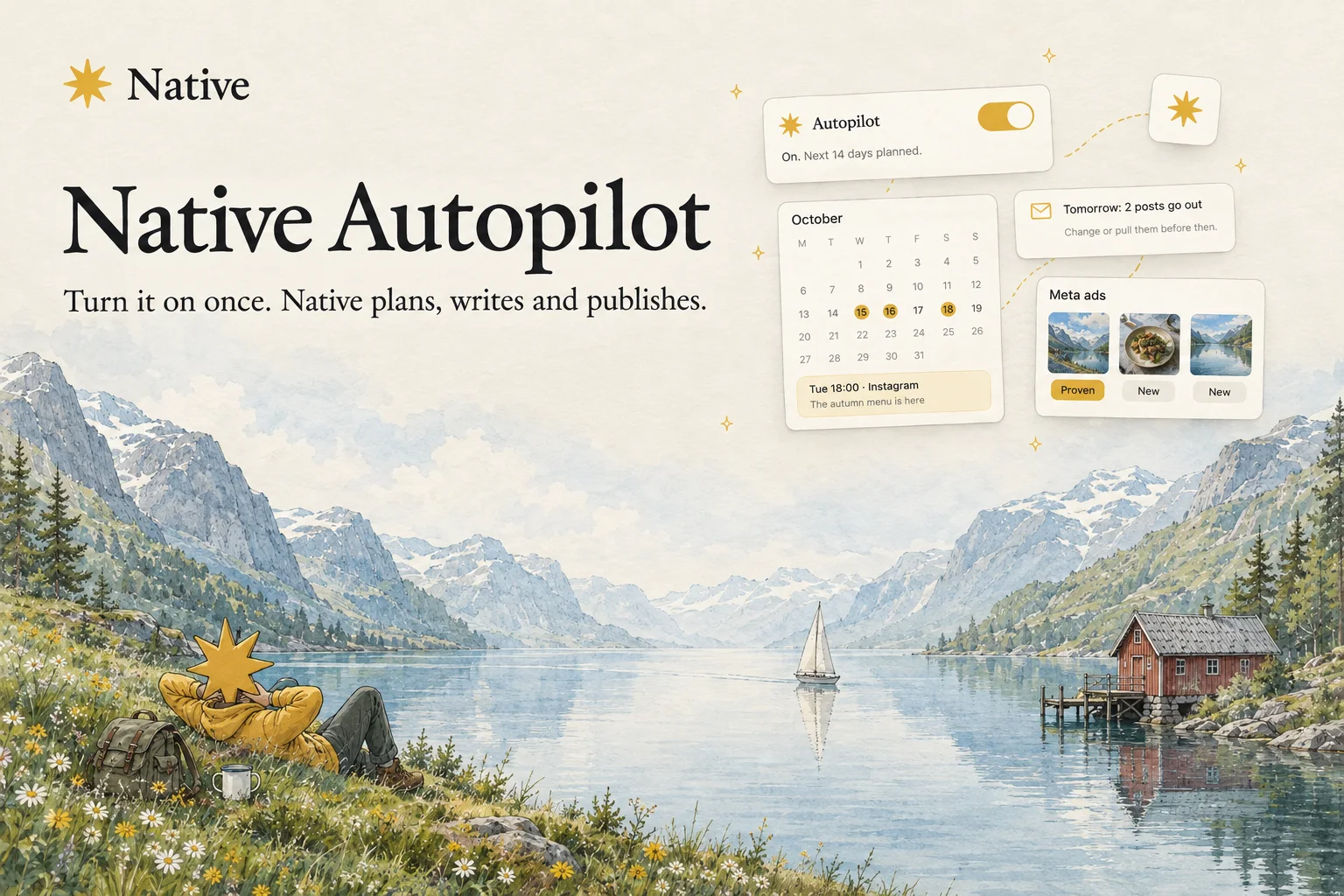
Native Autopilot is live.
We have said for a while that Native puts your marketing on autopilot. That was mostly true. Native wrote the posts and made the images, but every one of them still waited for you to swipe yes before it went anywhere.
For a business owner, that queue is one more thing to come back to. Between customers, staff and everything else, a week goes by and the drafts are still sitting there.
Not anymore. Turn it on once, and Native does the whole job. It plans the posts, writes them, makes the images, puts them on the calendar and publishes them. You get an email before anything goes out, usually the day before, and if you say nothing, it goes.
Say hello to Native Autopilot.
Autopilot, in plain words
Think of it as the switch between Native helping you and Native doing it. Suggestions is where Native hands you ideas to approve. Autopilot is where it stops asking for every one and keeps the calendar full on its own.
It looks two weeks ahead, fills the slots you asked for, and keeps doing that every day. You can still open any post, change it or move it. You just no longer have to.
It knows your brand before it writes
Autopilot uses everything Native already knows about your business. Your tone of voice and your brand rules. Your products and your own photos. Every yes and no you have given in Suggestions, so it knows what you like and what you would never post.
It also knows what time of year it is. A bakery gets posts about Christmas baking in December, not in June.
What happens once it is on
It plans the next two weeks. As many posts as you asked for, on the days and at the times you chose, or on days Native picks for you.
It picks the topics. Native chooses what to talk about, from what it knows about your business and what you have liked before.
It writes and designs each post. The caption in your voice, built for each platform, with an image made for it.
It schedules and publishes. Every post goes on your calendar at a good time for your channels, or at the hours you set, and it goes out on its own.
It tells you first. Before anything publishes, usually the day before, you get an email with what is going out. Change it, move it or pull it if you want to. If not, it runs.
Your ads, on autopilot too
Autopilot runs your Meta ads too. Every week it builds a new set of ads on the days you choose, five a week unless you ask for more or fewer, and emails you when they are ready.
When one of your ads has proven itself, the next batches start from what made it work. Some weeks they build on that angle, other weeks they try a step away from it, so you keep testing new ideas against one you know works.
You decide how far it goes. Review first is the default: new ads wait in Native until you approve them. Switch to Publish on autopilot and they go live on Meta within the budget you set. Run them in a Native campaign with a daily budget you choose, or in one of your own campaigns, which keeps its own budget.
You stay in charge
Autopilot does the work. It does not take the keys.
Choose the pace. Posts per week, which days, what times, your time zone and which channels.
Change anything. Every post Autopilot schedules is a normal post on your calendar. Edit it, move it or delete it.
Choose who hears about it. Everyone with access to the profile gets the day-before email, or only the people you pick.
Turn it off any time. The posts Autopilot scheduled go back to drafts. The ones you scheduled yourself stay exactly where they are. For ads, turning it off stops Native making new ones. Ads already running on Meta keep running until you pause the campaign.
Only admins on a profile can switch Autopilot on, so nobody turns it on for a brand they do not run.
Where it publishes
Posts go to LinkedIn, Facebook, Instagram, X, Bluesky, Threads, TikTok, Pinterest and Reddit, including stories on Instagram and Facebook. Ads run on Meta.
Where Autopilot sits
Native was built to run the whole job. The ideas come from your actual business. The words and the images are made in your voice. The week gets planned and published across your channels. The budget goes behind whatever works.
Until today, you were still the step in the middle that everything waited for. Autopilot removes that step. Native keeps doing the work, and you only step in when you want to.
How to get started
Native Autopilot is open today. Open Native, go to Home, flip the Autopilot switch, and answer a few questions about how often and where you want to post. That is the setup.
You did not start your business to approve posts. Now you do not have to.
Open Native and turn on Autopilot.
We're just getting started.