
Start with three image layouts for Facebook and Instagram ads. Use a 4:5 portrait for Feed, a 9:16 vertical for full-screen Stories and Reels, and a 1:1 square for placements that call for it. Check your exact placement and ad format in Meta’s Ads Guide. A Facebook Reels overlay, for example, has a separate square image spec.
Meta image ad sizes at a glance
| Placement example | Aspect ratio | Example design size |
|---|---|---|
| Instagram Feed | 4:5 | 1,440 × 1,800 px |
| Facebook video feeds | 4:5 or 1:1 | 1,440 × 1,800 or 1,440 × 1,440 px |
| Instagram Stories | 9:16 | 1,440 × 2,560 px |
| Facebook Reels, full-screen image | 9:16 | 1,440 × 2,560 px |
| Facebook Reels overlay | 1:1 | At least 1,080 × 1,080 px |
These are examples for single-image ads. Meta lists separate specifications for video and carousel ads. Check those if you change the format. A 9:16 still is an image ad even when it appears in Reels.
Rebuild the layout around the offer
A plant shop uses the same offer in each layout. Book a Saturday slot and bring a houseplant to repot.
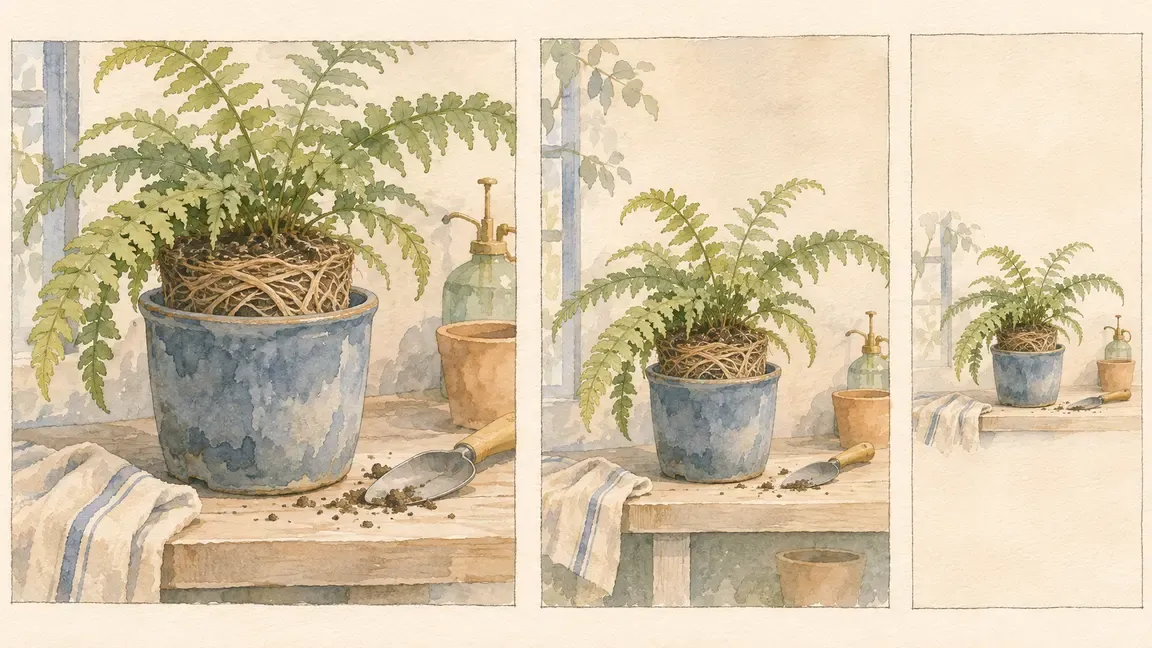
- 4:5 portrait. Give the plant and work most of the frame. Leave room for one headline and put the hours and terms in the ad text or landing page.
- 9:16 vertical. Center the plant and pot. Keep the logo and important words clear of profile and call-to-action overlays.
- 1:1 square. Keep the pot readable at thumbnail size and cut secondary text.
For Instagram Stories image ads, Meta recommends roughly 14% clear at the top, 35% at the bottom, and 6% on each side. Use those margins as a starting point for Stories, then open the preview for each placement. Meta provides a separate Reels safe-zone guide.
Check all three before publishing
Open the previews at phone size. Can a person identify the product or service without zooming? Does an overlay cover the logo or price? Is the photo still a truthful representation of what the business offers? Open the destination and check that the same offer and terms appear there.
In Ads Manager, you can provide creative by placement. If you use automatic creative adjustments, check the result in the same previews. Meta’s placement customization guidance.
Which sizes does Native produce?
When Native designs an image ad in chat, in the ad wizard or through Ads Autopilot, it produces 4:5, 9:16 and 1:1 versions for a single Meta ad when generation capacity allows. Native redraws the vertical and square designs from the 4:5 design. Once they are ready, the ad editor offers Stories and square previews. An ad built directly on your own photo, or converted from an existing post, goes out with a 4:5 image only. Native’s placement release notes.