
Promote the existing Instagram post if it already says what you want to advertise and is eligible. If the offer, image or next step needs to change, build a new ad from the same idea. Start with a post that moved people toward the outcome you want, such as menu visits or questions about availability.
Pick the post based on what people did
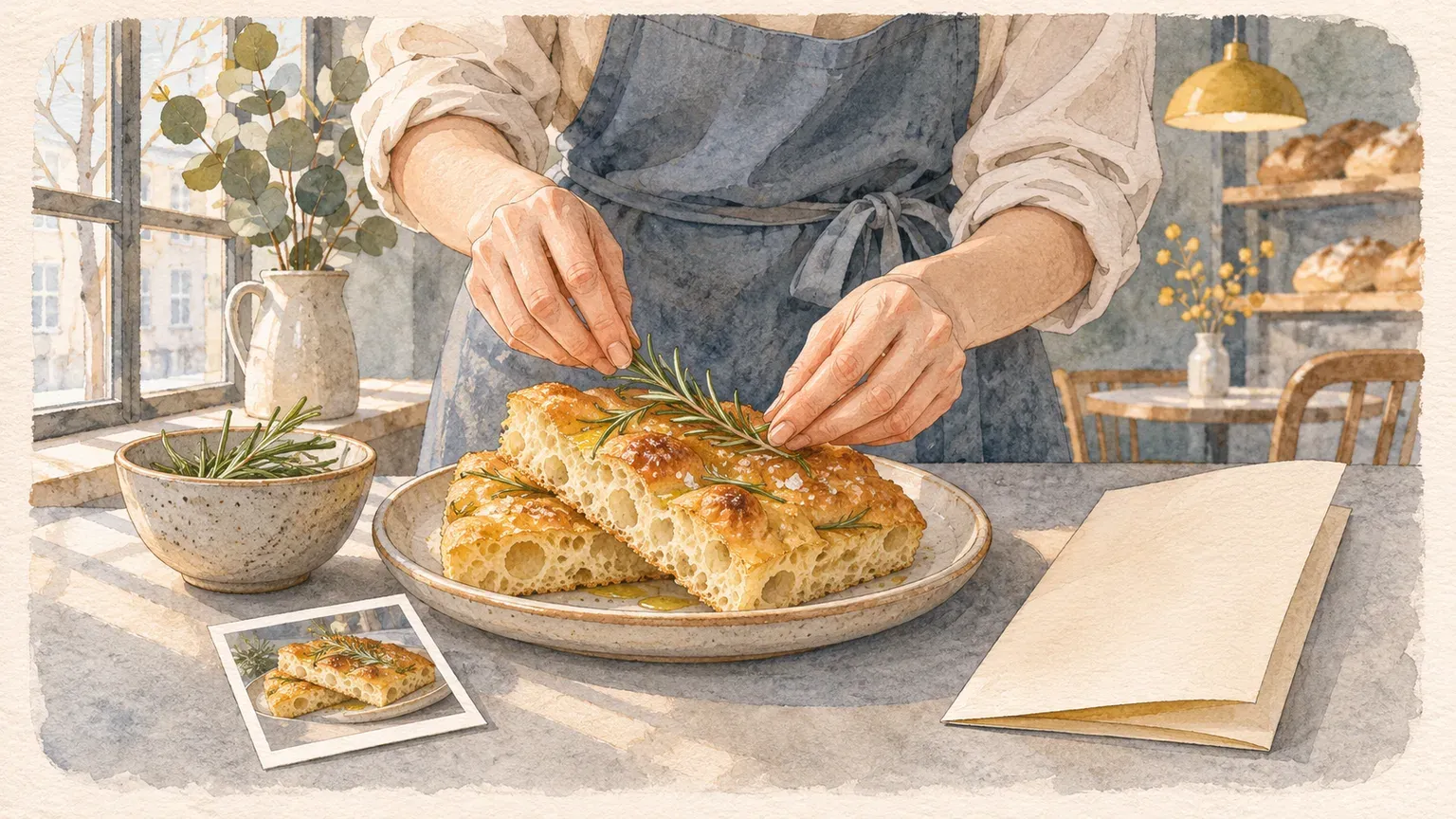
Imagine a neighborhood bakery with two recent posts. A clip of a mixer gets a lot of views. A photo of Tuesday’s lunch counter gets fewer views, but people ask whether they can order ahead and when pickup closes. For a pickup campaign, the lunch photo gives the bakery the better starting point.
| What you want the ad to do | Look for this in the original post |
|---|---|
| Get people to visit | Questions about opening times, parking, stock or location |
| Send people to a product or booking page | Link clicks and questions about the item or service |
| Bring people back to a familiar offer | Saves, shares with likely customers, or repeat questions about when it returns |
Check the comments for context. A share because the picture is funny and a share because someone wants to visit are different signals. One good organic post gives you an idea to test with a paid audience.
Decide whether to keep the original post
- Promote the original. The image, words, offer, timing, and next step still work, and the post and media are eligible. Choose the identity that owns it and check the placement preview.
- Build a new ad. The details have changed, the next step is buried, a new page is needed, or the original media lacks paid rights. Keep the idea and use only cleared assets.
For eligible Reels you own, Ads Manager offers Use existing post at the ad level. Meta also offers boosting for eligible content. Meta’s existing Reels instructions · Meta’s guide to ads from your Page.
For the bakery, the organic post might read, “First tray out for lunch today.” The paid version could say, “Order Tuesday lunch for pickup. See this week’s sandwiches and choose an available pickup time.” The link goes to the pickup menu. The bakery replaces the ad if the page changes or Tuesday pickup is full.
Check what can run as paid creative
- Media rights. Check permission for the image, video, music, customer quote and any identifiable people. Replace music you cannot use in ads. For sponsored creator content, follow Meta’s permission flow.
- Offer. Confirm the days, location, eligibility and price. Open the landing page on a phone and complete the action as far as you can without placing an order.
- Preview. Read the copy next to the image and check each chosen placement. A photo that works in Feed can lose its subject or text in a vertical crop. Facebook and Instagram image sizes by placement.
Find your own posts and make the next ad in Native
In Native’s Create search, choose Your content to see your posts and ads ranked by performance. Open a relevant post and use Make our ad from this to start a still ad. Check the draft’s image, primary text, headline and destination before sending it to your connected Meta account. Ads converted from posts currently use a 4:5 image. Find posts and make an ad from them · Native’s placement formats.
If the ad belongs in a campaign you already run, choose its campaign and ad set before sending it to Meta.
Measure the paid result against the campaign goal. The bakery can compare order-page visits and confirmed pickups during the ad’s run. Tag the link and count an order only when the checkout confirms it. Google’s guide to campaign URL tagging.