Inbox and Analytics
Answer comments and messages
 Elin Kristina AnderssonFounding GTM0:35Recorded October 26, 2026
People write to you in many places: a direct message on Instagram, a comment under a Facebook post, a review. Inbox brings them together, and you answer each one without leaving Native.
In this video
Step by step
Step 1: Open Inbox
Press Inbox in the bar on the left. Messages opens first, with your conversations newest first and new messages marked. The number on Inbox counts the messages and comments you have not read yet.
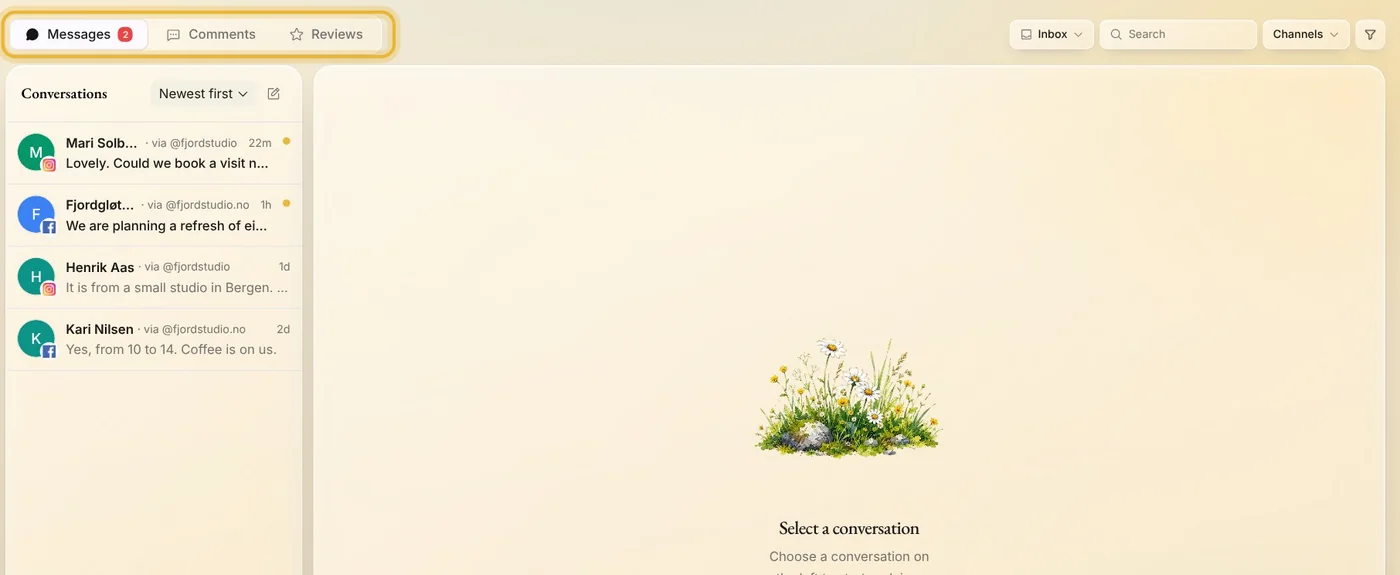
Tip: Untick channels under Channels to see only the ones you want, or press Newest first and choose Unanswered first.
Step 2: Reply to a message
Open a conversation, write in Type a message, and press Enter. The reply goes out from the account the message came in on, named at the top as Replying as.
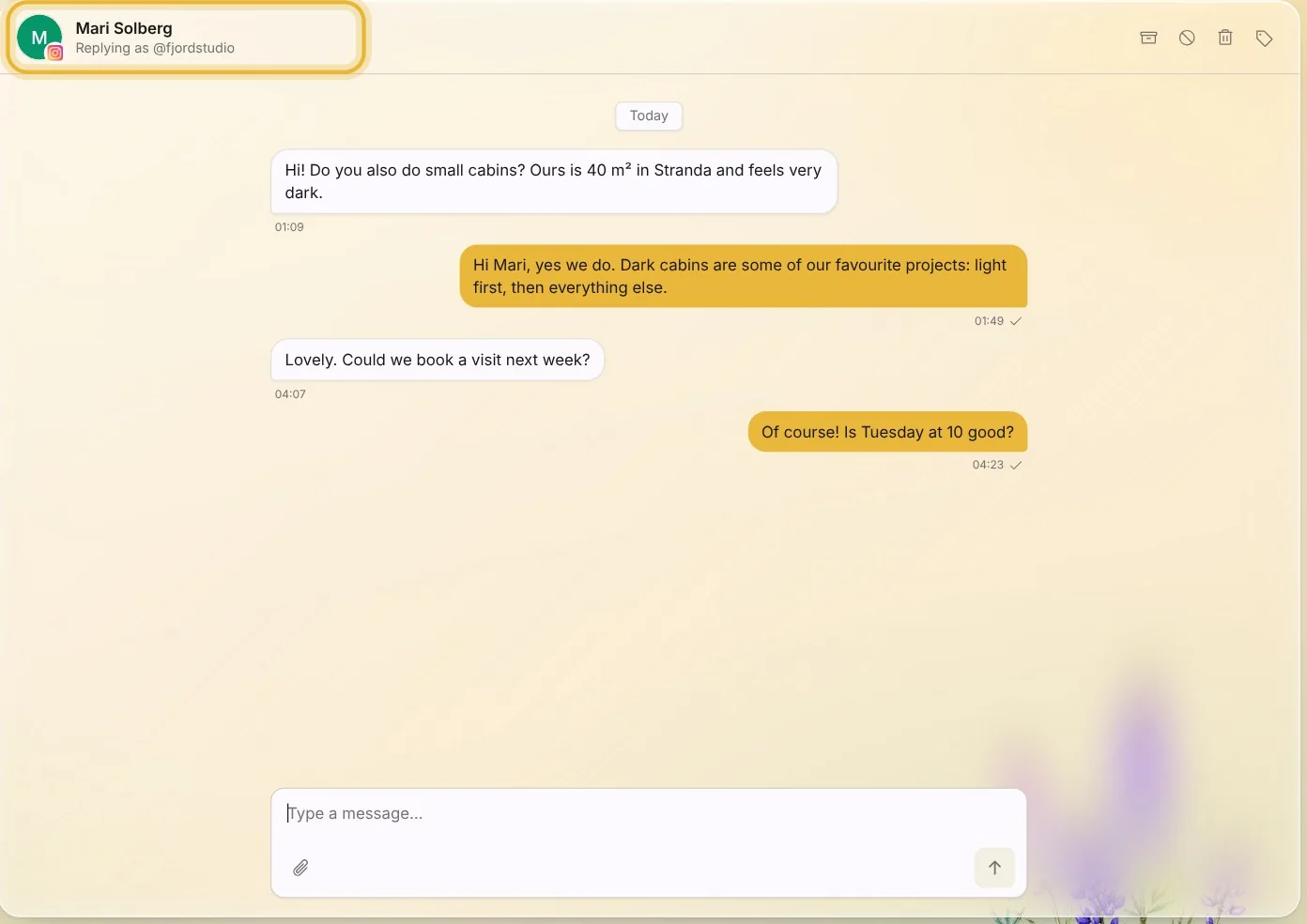
Tip: Shift and Enter starts a new line. WhatsApp and TikTok take replies only for a while after the person's last message, and Native says so above the box when that time is up.
Step 3: Answer a comment
Under Comments, pick a post to see its comments. Press Reply under a comment, write your answer, and press Send. To comment on the post itself, use the box at the bottom.
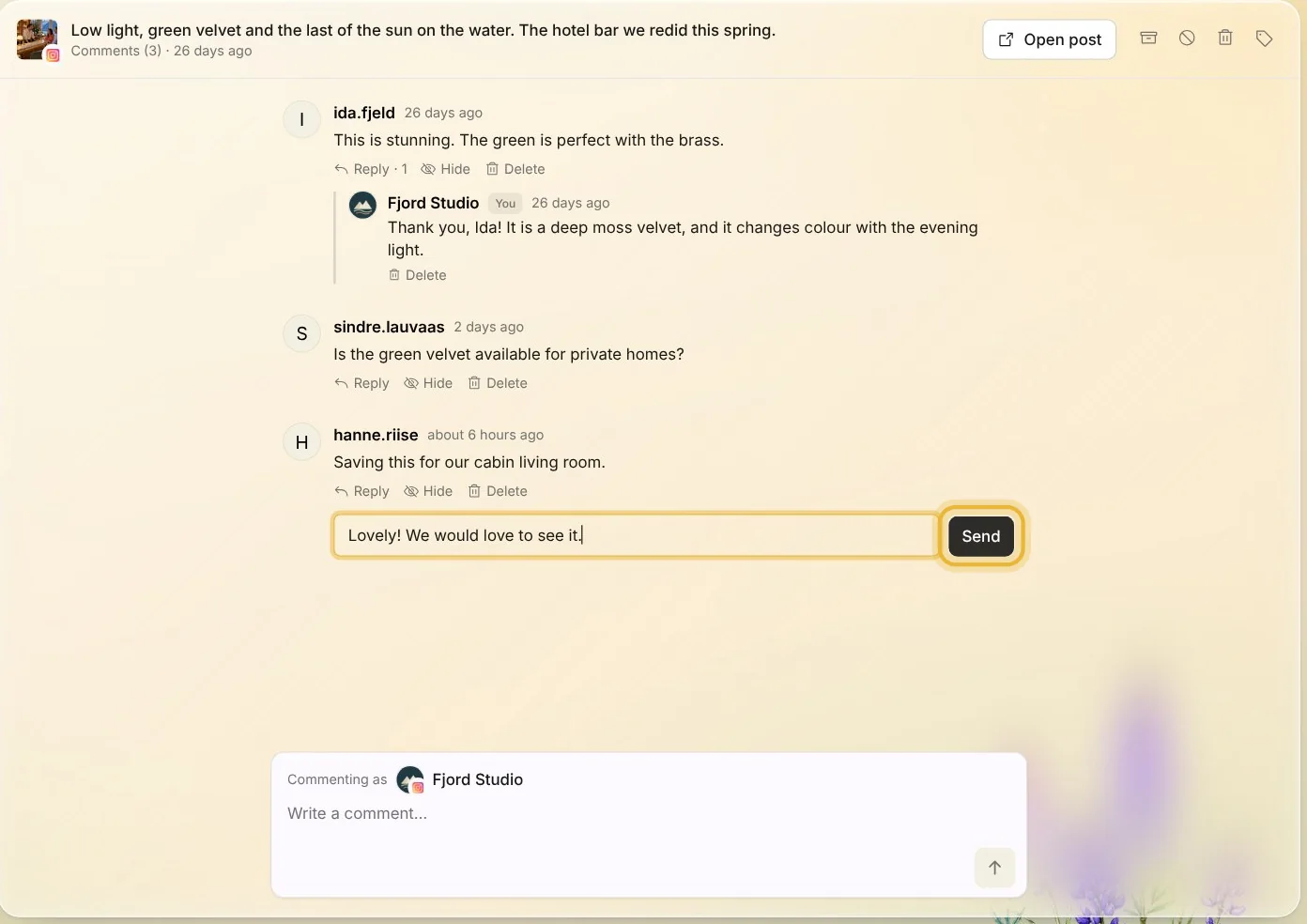
Tip: Where the channel allows it, Hide hides a comment without deleting it, and Unhide brings it back.
Step 4: Thank a review
Reviews come from your Facebook Page and your Google Business Profile. Under Reviews, open a review, write your reply, and press Enter. Reviews you have answered are marked Replied.
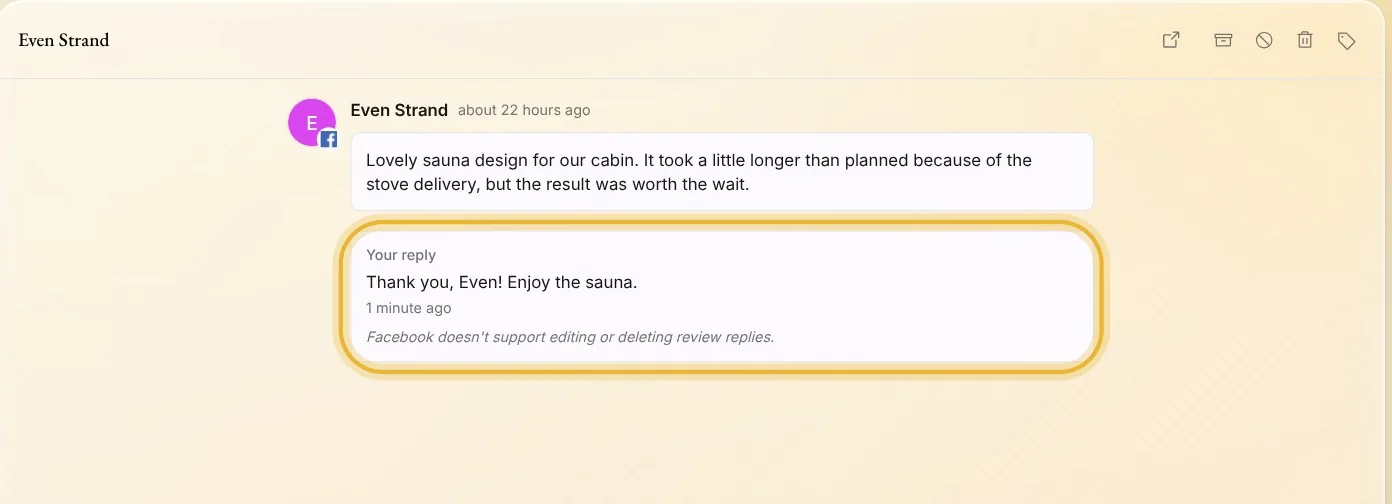
Tip: Facebook doesn't let you change or delete a reply later, so read it once more before you press Enter.
Tips from Elin
- Answer within a day when you can. People notice when a business replies.
- Keep replies short and warm. Use the person's name, and answer their question first.
- A question you get often belongs in a post. Make one from your own idea in Create.
Try it in Native
New to Native? Start with your website, and see your first posts today.