Your account
Invite your team
 Elin Kristina AnderssonFounding GTM0:30Recorded October 26, 2026
Work on Native together. Invite a colleague by email, choose their role and the brands they work in, and they join from the email.
In this video
Step by step
Step 1: Open Invite
Press your picture at the bottom of the bar on the left, or at the top on a phone, and choose Invite. It opens People, where everyone in your workspace is listed.
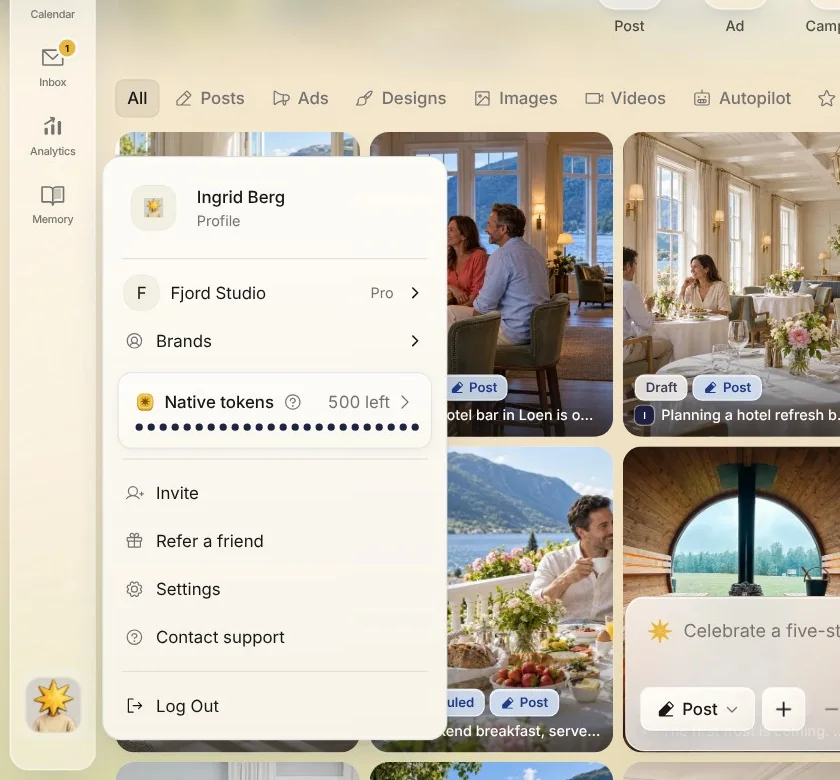
Tip: Only owners and admins can invite people.
Step 2: Add their email
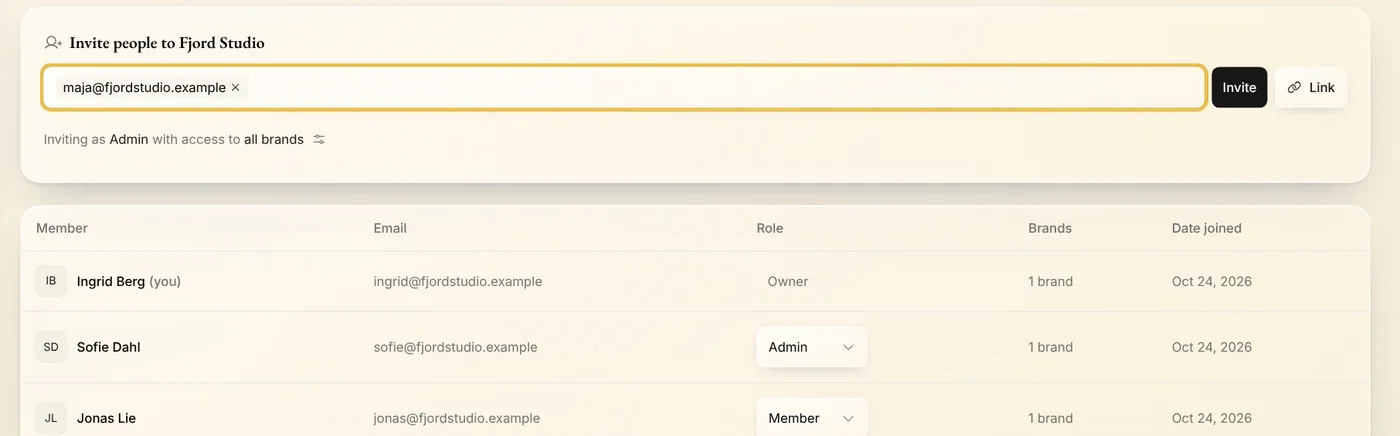
Type your colleague's email address under Invite people, and press Enter. Add more addresses the same way to invite several people at once.
Step 3: Choose their role
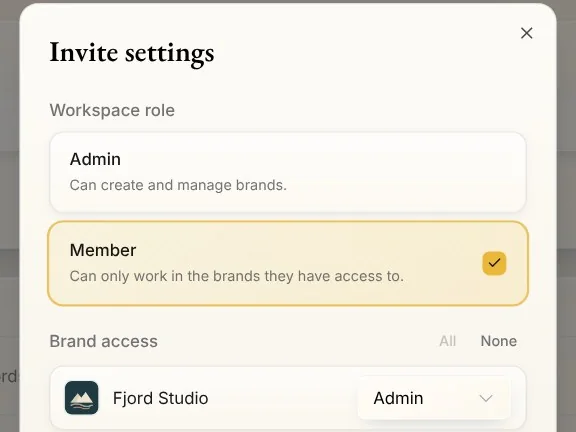
Press the line that starts Inviting as. Admin can create and manage brands. Member can only work in the brands they have access to. Under Brand access, set each brand to Admin, Member or No access: every brand starts on Admin. Press Done.
Step 4: Send the invite
Press Invite. Your colleague gets an email to join, and the invite waits under Pending invitations until they accept it. It works for 30 days.
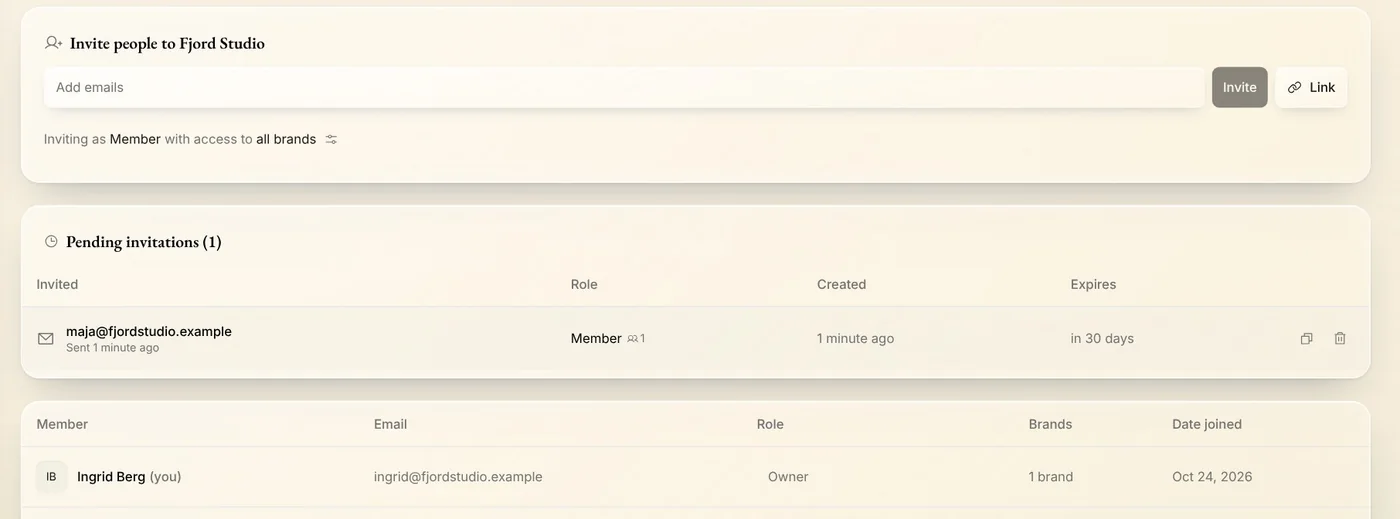
Tip: From a pending invite you can copy its link or revoke it.
Tips from Elin
- Rather share a link? Press Link next to Invite, choose who can use it, and send it any way you like.
- Give each person the least access they need. You can change their workspace role in People, and their brand access in each brand's settings.
- Working with an agency or a freelancer? Invite them as a Member, and under Brand access give them only the brands they work on.
Try it in Native
New to Native? Start with your website, and see your first posts today.