Tokens and suggestions
How suggestions work
 Michael Ishoel OlsenFounding engineer0:35Recorded October 29, 2026
Your deck runs on suggestions. Each card you approve, save or pass on uses one, and they don't cost tokens. Your plan gives you a number each month, shared by your whole workspace.
In this video
Step by step
Step 1: Each decision uses one
Approve a card, save it as a draft or pass on it, and it uses one suggestion. The count in the sidebar, under your picture, shows how many are left.

Tip: Decided by mistake? In Queue & platforms, open the card under Recent and press Undo, or Bring it back if you passed on it. The suggestion comes back if the post isn't scheduled or posted yet and the month hasn't reset.
Step 2: Your month's suggestions
Press the count to open Suggestions in Settings: how many are left this month, and the day they come back. Everyone in the workspace, on every brand, uses the same ones.
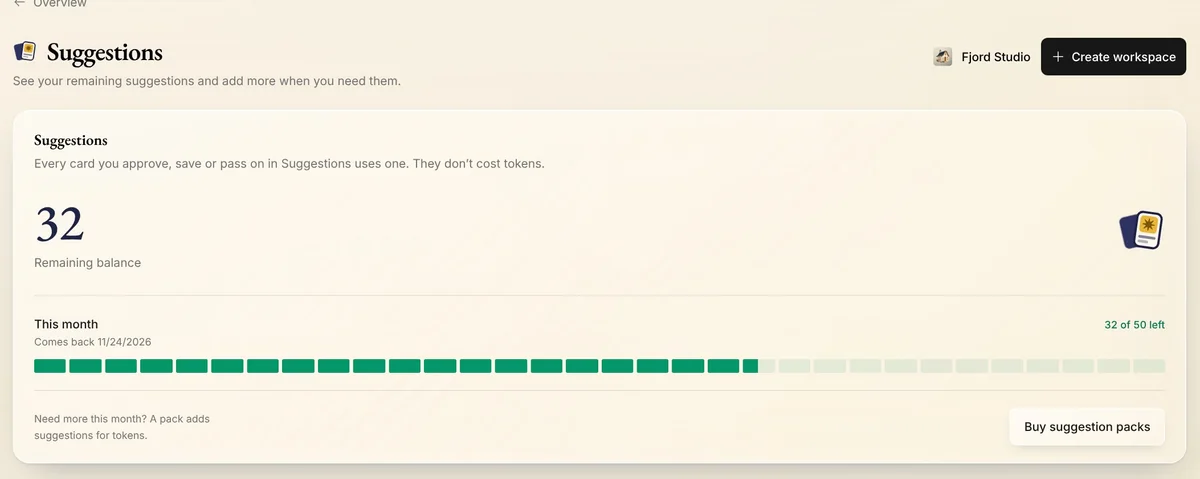
Step 3: When they're used up
When they're used up, the deck says so and shows the day your plan's suggestions come back.
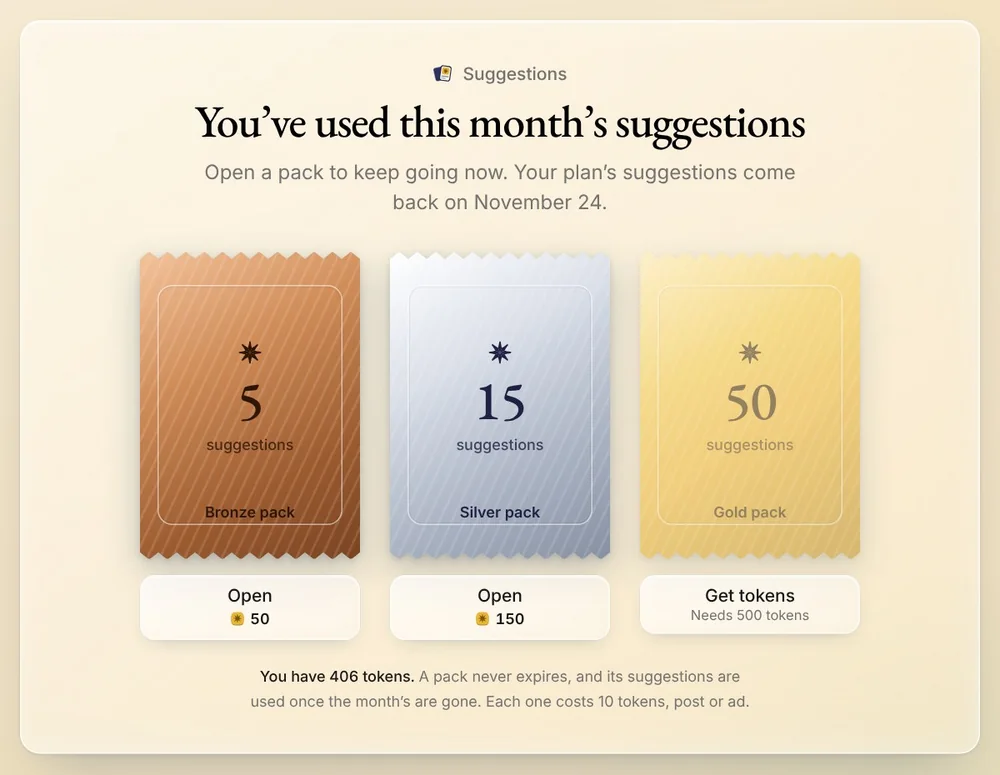
Step 4: Open a pack
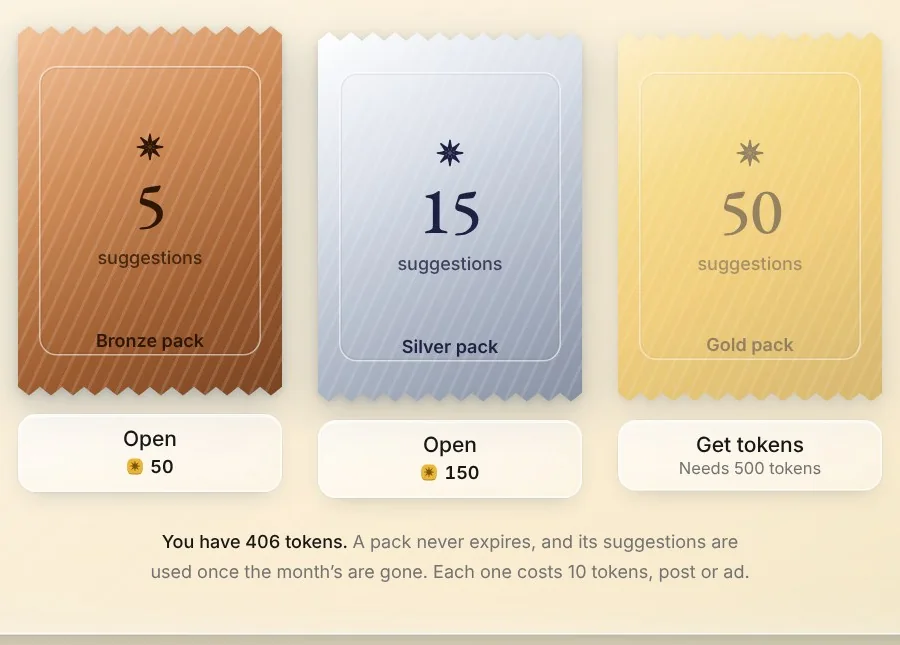
Can't wait? Open a pack: Bronze, Silver or Gold, paid with tokens. Pack suggestions never expire, and Native uses them after the month's.
Tips from Michael
- Changing a card with the pencil doesn't use a suggestion.
- Posts you make in Create don't use suggestions. Only deck decisions do.
- Each brand past the ones your plan includes adds suggestions every month.
Try it in Native
New to Native? Start with your website, and see your first posts today.