Ad problems
Add a beneficiary and payer for EU ads
 Trond HaugåCOO & Co-founder0:39Recorded October 28, 2026
Under the EU's Digital Services Act, every Meta ad people see in the EU shows who it is for and who paid for it. Meta keeps both names on your ad account, and Native fills them in for you when it can. If they're missing, the ad can't go out, and you add them once, in Ad settings.
In this video
Step by step
Step 1: When the ad can't go out
The Publish dialog says: Ads shown in the EU must name a beneficiary and payer. Add both under Ad settings in Memory, or in Meta Ads Manager, then send the ad again.

Step 2: Open Ad settings
Open Memory in the menu, then the Memory card, Content and Ad settings. Ads in the EU is further down the page.
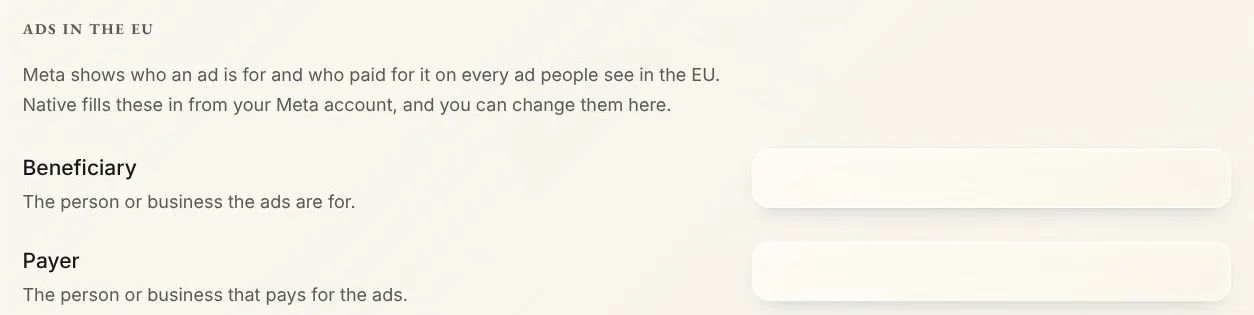
Tip: Ads in the EU shows once your brand has a Meta ad account connected. If Native opens the Ads setup first, close it: Ads in the EU is further down the same page.
Step 3: Beneficiary and payer
Beneficiary is the person or business the ads are for. Payer is the person or business that pays for them. Meta asks for full legal names, so use your business's registered name, like Fjord Studio AS, in both if it does both.
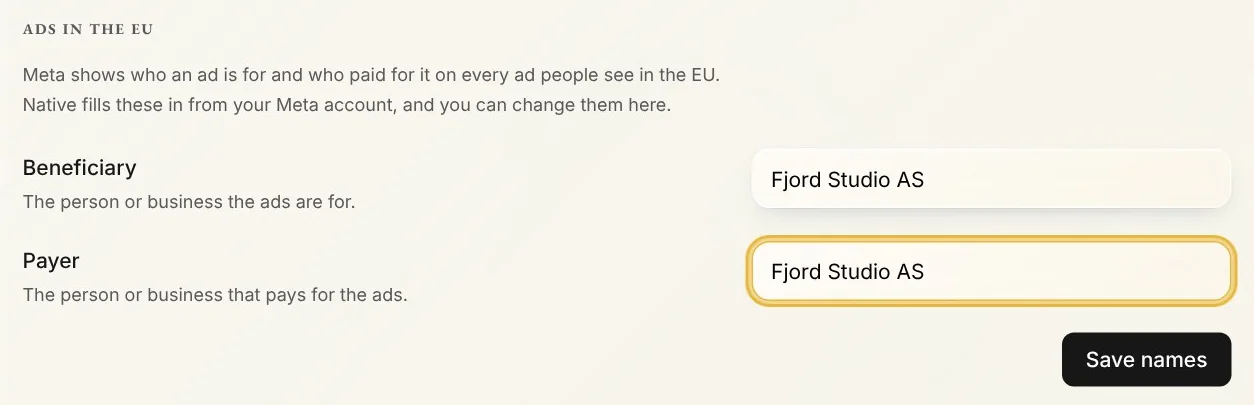
Step 4: Save names
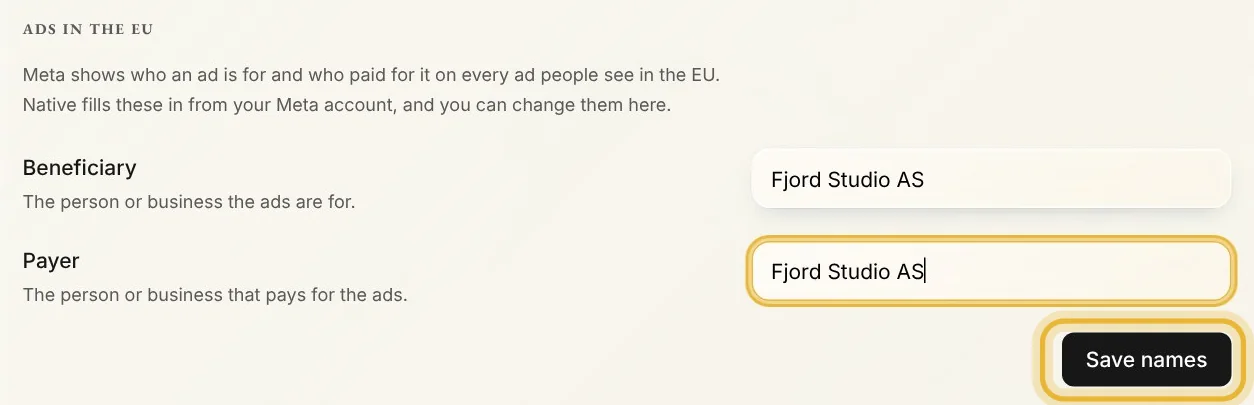
Type both names, then press Save names. Native saves them on your Meta ad account, and new ads from that account use them. Then publish your ad again.
Tips from Trond
- Native fills these in when you connect an ad account, from Meta's own suggestion or your brand's name. Check them in Ad settings: Meta wants full legal names.
- You can set them in Meta Ads Manager instead. Native reads the names your ad account has, so either place works.
Try it in Native
New to Native? Start with your website, and see your first posts today.