Memory
Choose how often you post, and where
 Elin Kristina AnderssonFounding GTM0:43Recorded October 30, 2026
What to post holds how often your posts go out, and where. There's no Save button: every change is kept as you make it.
In this video
Step by step
Step 1: Open What to post
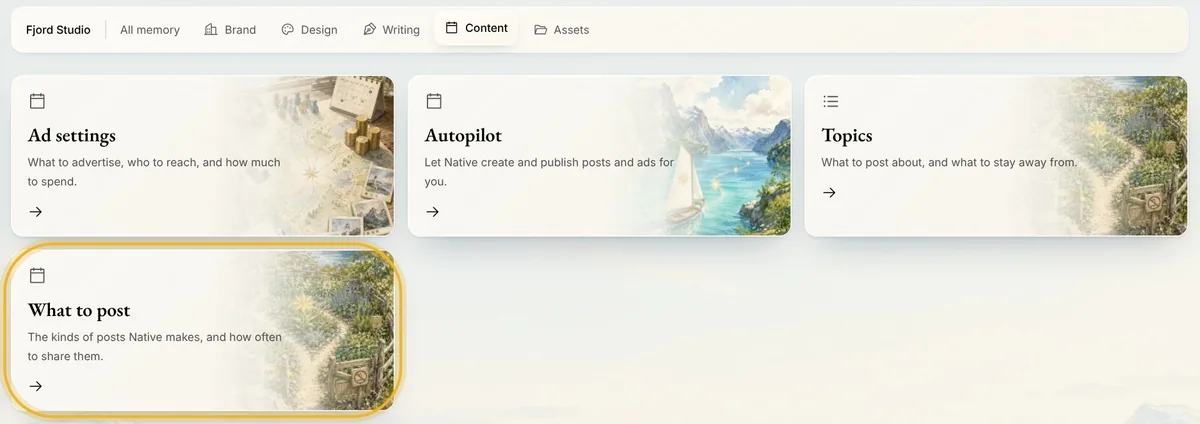
Open Memory from the menu and press Memory. Then open Content, and press What to post.
Step 2: Posting frequency
Posting frequency sets the days Native picks when you approve a suggestion or make a post in the chat: Every day, Every other day, A few times a week or Once a week. It doesn't publish anything by itself, and you can still move any post to another day.

Tip: Autopilot starts from this rhythm when you set it up.
Step 3: Auto-generated platforms
Choose the channels Native makes suggestions for. Connected, the default, means every channel you've connected. Pick channels instead to narrow your suggestions to them. If none of the channels you pick is connected, a card can show your connected channels too, so check a card's channels before you approve.

Tip: A channel you pick but haven't connected gets a draft when you approve, not a scheduled post.
Step 4: Automatic first comment
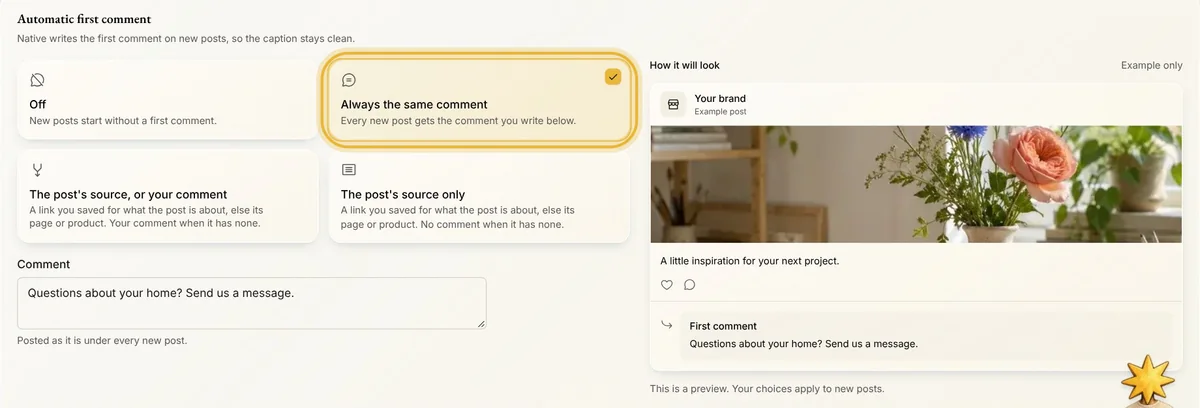
Choose Always the same comment and write it, and new posts get it as their first comment, on channels that allow one. The post's source options add a link you saved for what the post is about. Under Add it to, choose which posts get it. The comment saves when you click away from it.
Tips from Elin
- Off is the default for the first comment. Until a choice is saved here, a post made from one blog article you picked can still get that article's link as its first comment.
Try it in Native
New to Native? Start with your website, and see your first posts today.