Ads
Create your first campaign
 Trond HaugåCOO & Co-founder0:44Recorded October 27, 2026
A campaign holds your ads on Meta. It says what they should achieve, what they may spend per day, and where they run. Nothing runs or spends until you send an ad to it.
In this video
Step by step
Step 1: Pick a goal
In Create, press Campaign, and pick what you want more of: Traffic, Engagement, Awareness, Sales, Website leads, or chats on WhatsApp, Messenger or Instagram. The goal can't be changed later.
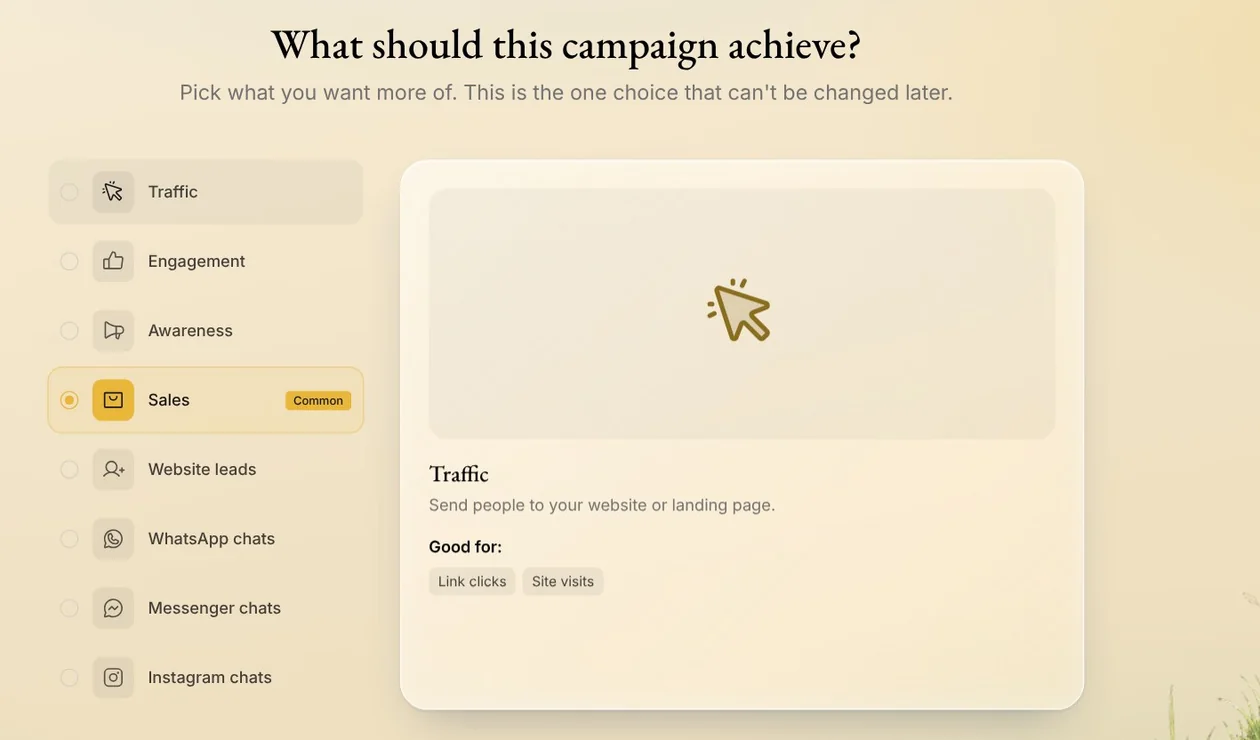
Tip: Sales and Website leads need a Meta pixel on your website. Native helps you set one up right after the goal.
Step 2: Set the budget
Keep Campaign budget, which most people choose: Meta shares it across the campaign's ad sets. Then type what the campaign may spend per day. Native shows the daily average, and the most it can spend in a week.
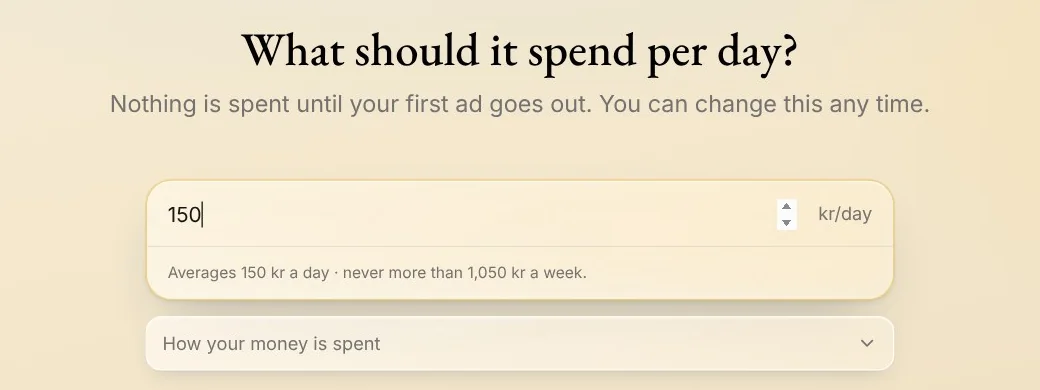
Tip: Meta charges the card on your Meta ad account, not Native. Nothing is spent until your first ad goes out.
Step 3: Pick where ads run
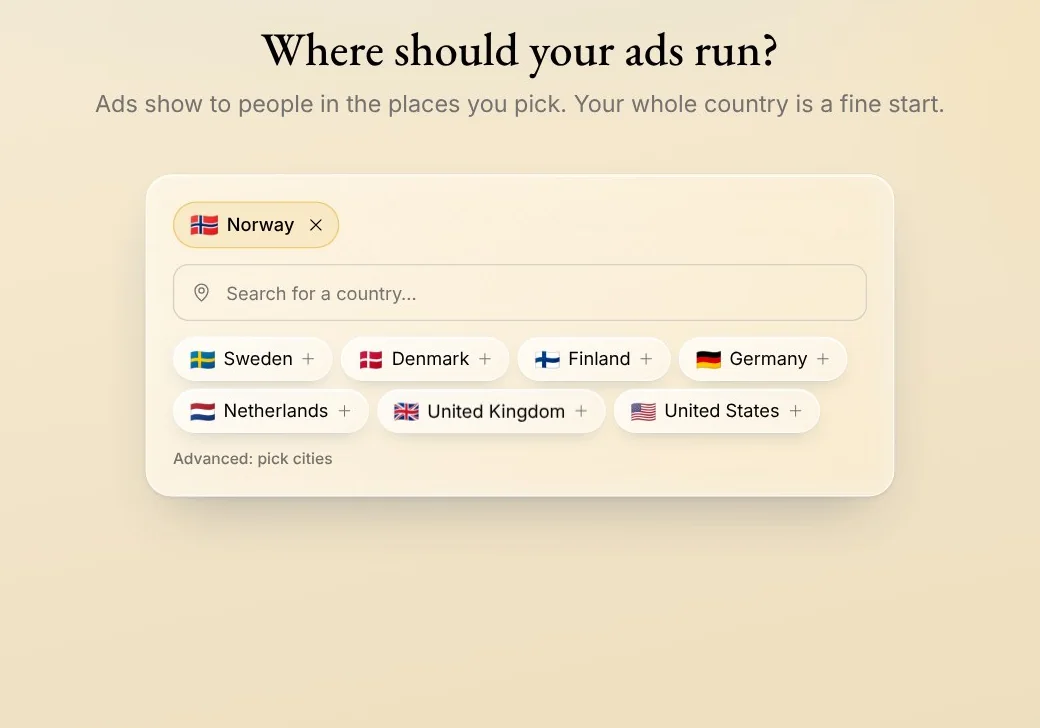
Pick the countries where your customers are. Your whole country is a fine start. Advanced: pick cities lets you choose cities instead. Like the goal, the places can't be changed later.
Step 4: Who you want to reach
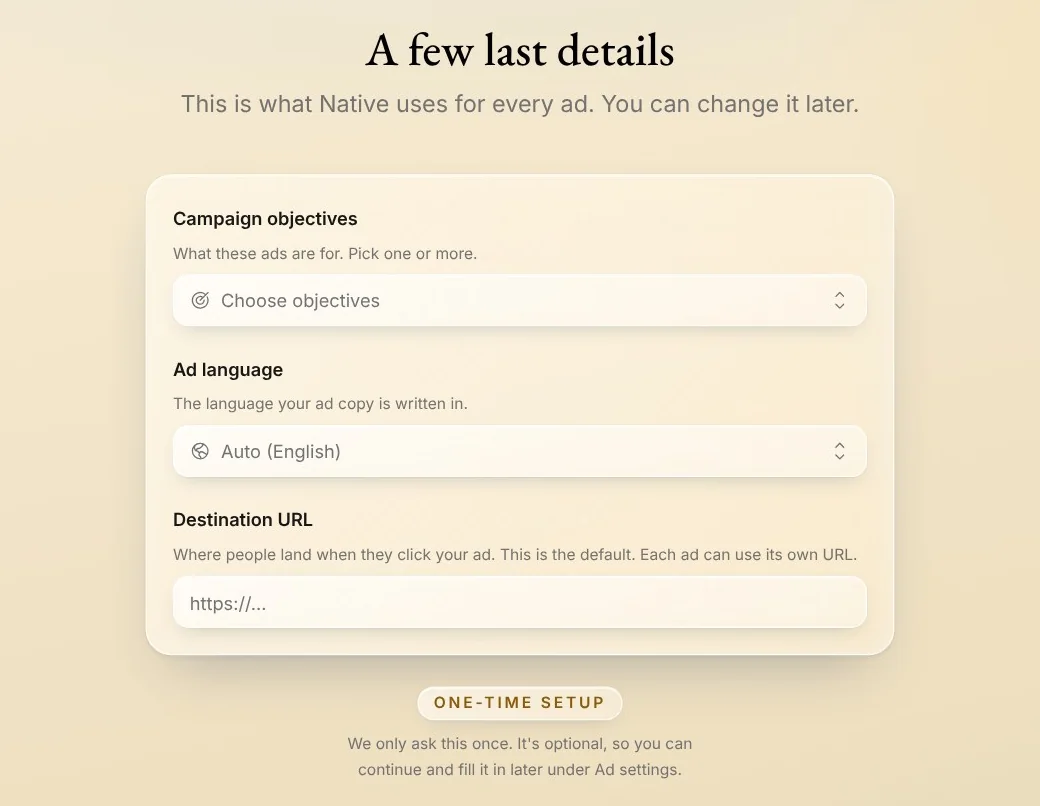
If your brand hasn't answered them yet, Native asks who you want to reach, and a few details it uses for every ad: what the ads are for, their language and where people land. Both are optional. Once you answer, it doesn't ask again, and you can change them later.
Step 5: Create the campaign
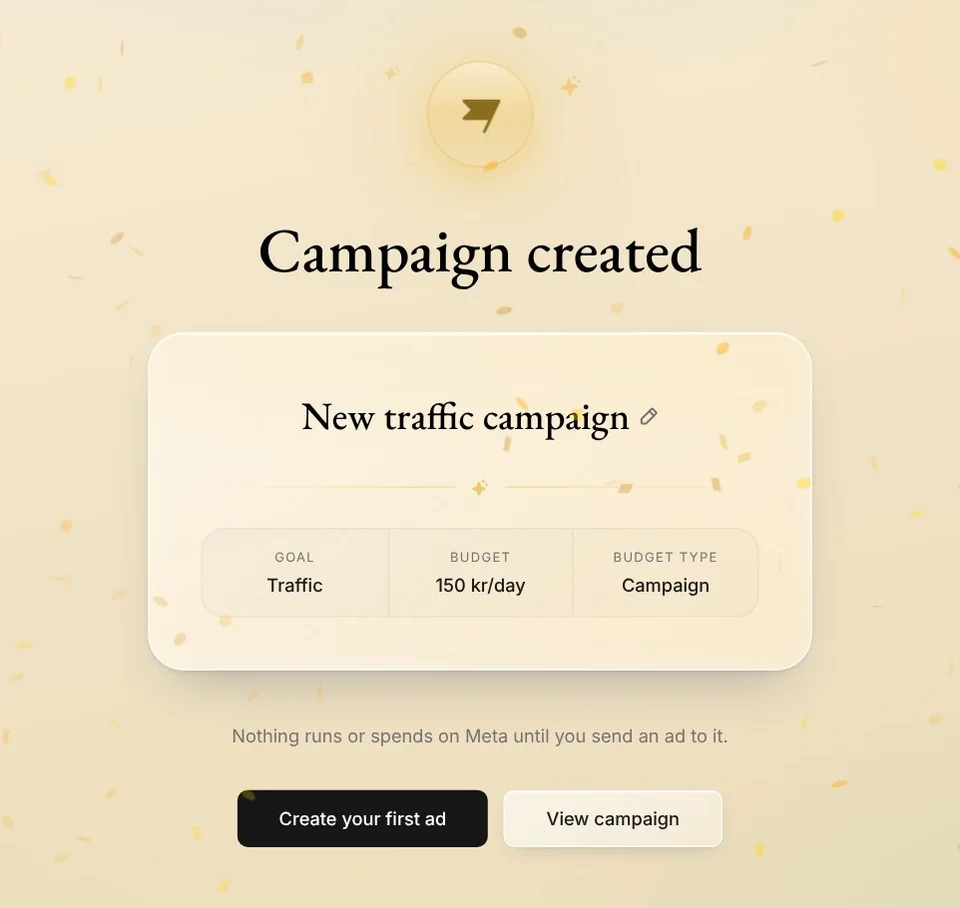
Press Create campaign. Native names it after its goal, like New traffic campaign, and its pencil renames it. Nothing runs or spends on Meta until you send an ad to it.
Press Create your first ad to make one for it now, or View campaign to see it in Create.
Tips from Trond
- Your Meta ad account needs to be connected first. When you press Campaign, Native asks you to connect it. With several brands, it first asks which one the campaign is for.
- Who you want to reach shapes the words Native writes. Meta finds the people, within the places you pick.
- You can change a campaign's budget any time, and pause it once its ads run, from Campaigns in Create.
- Anyone with access to the brand can create a campaign. Only its admins can delete one, and not while it's the default.
Try it in Native
New to Native? Start with your website, and see your first posts today.