Ads
Make your first ad
 Trond HaugåCOO & Co-founder0:37Recorded October 27, 2026
Native makes ads from what it knows about your brand: your look, what you offer and what is in Memory. You say what the ad is about, and it makes a picture, a headline and the text. Nothing goes to Meta until you publish it.
In this video
Step by step
Step 1: Pick the campaign
In Create, press Ad. Once your brand has a campaign, Native asks which one the ad is for, and the draft waits under it in Create. You confirm where it runs when you publish.
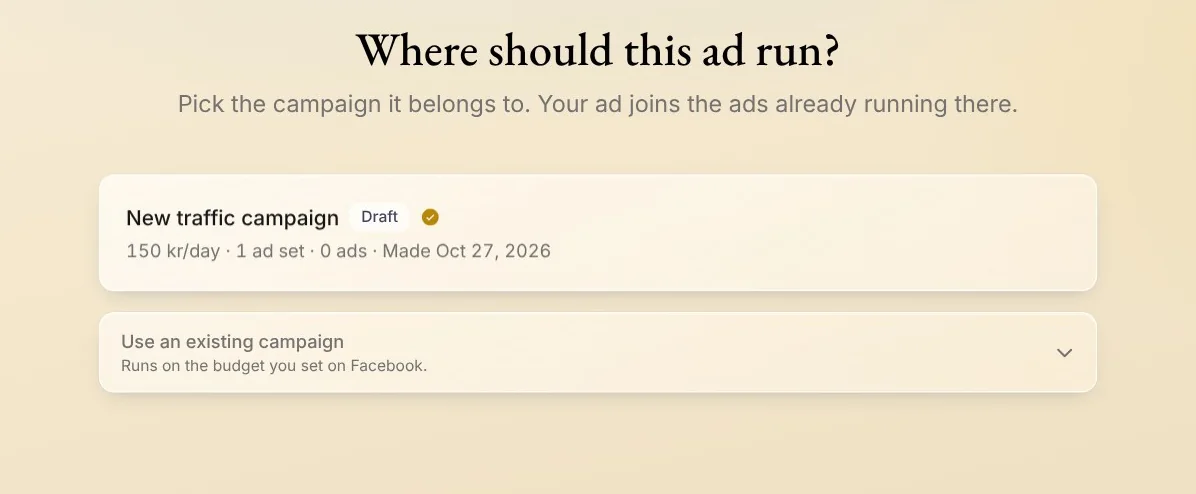
Tip: Use an existing campaign files the ad under one you run on Facebook yourself, on the budget you set there. Pick it again when you publish.
Step 2: Let Native make it
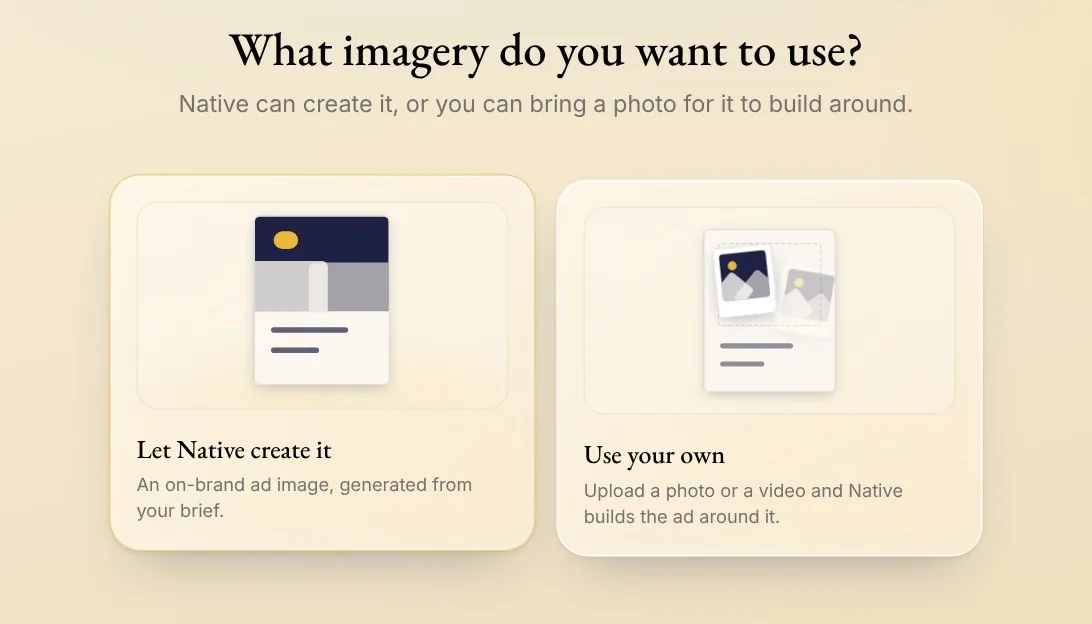
Press Let Native create it for the picture, and Let Native write it for the words.
Prefer your own? Use your own builds the ad around your photo or video, and I'll write it leaves the words to you.
Step 3: Say what it's about
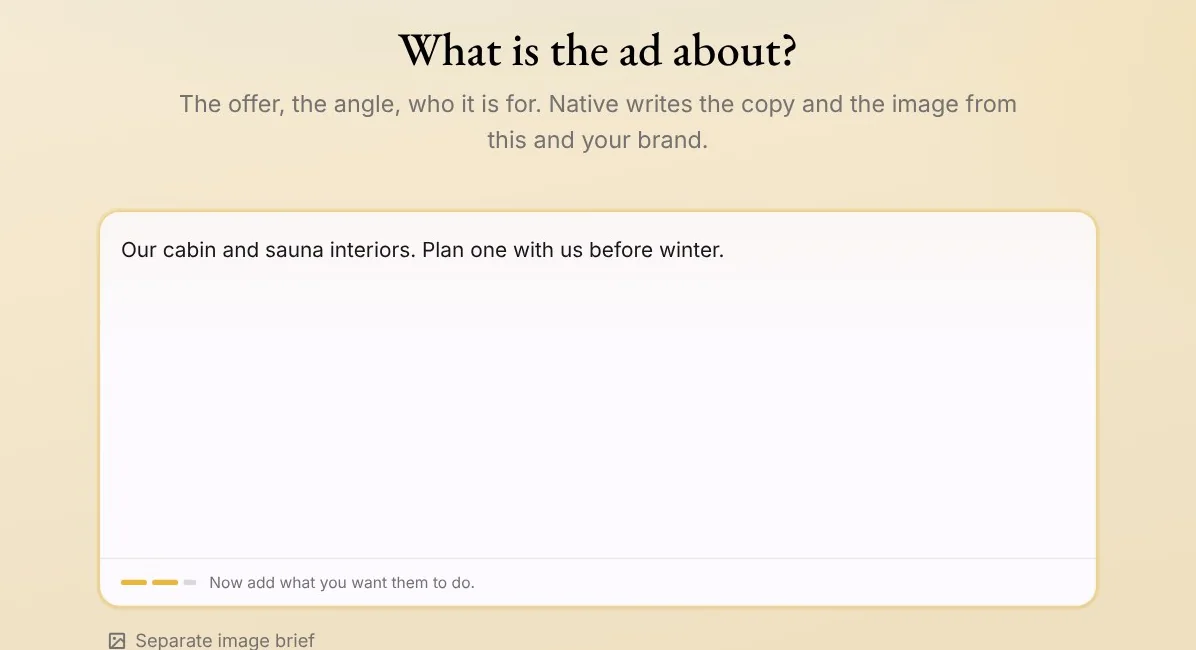
Write what the ad is about: the offer, the angle and who it is for, and press Continue. Then pick something from your brand to build it around, or leave it to Native, and press Create ad.
Step 4: Your ad, in your look
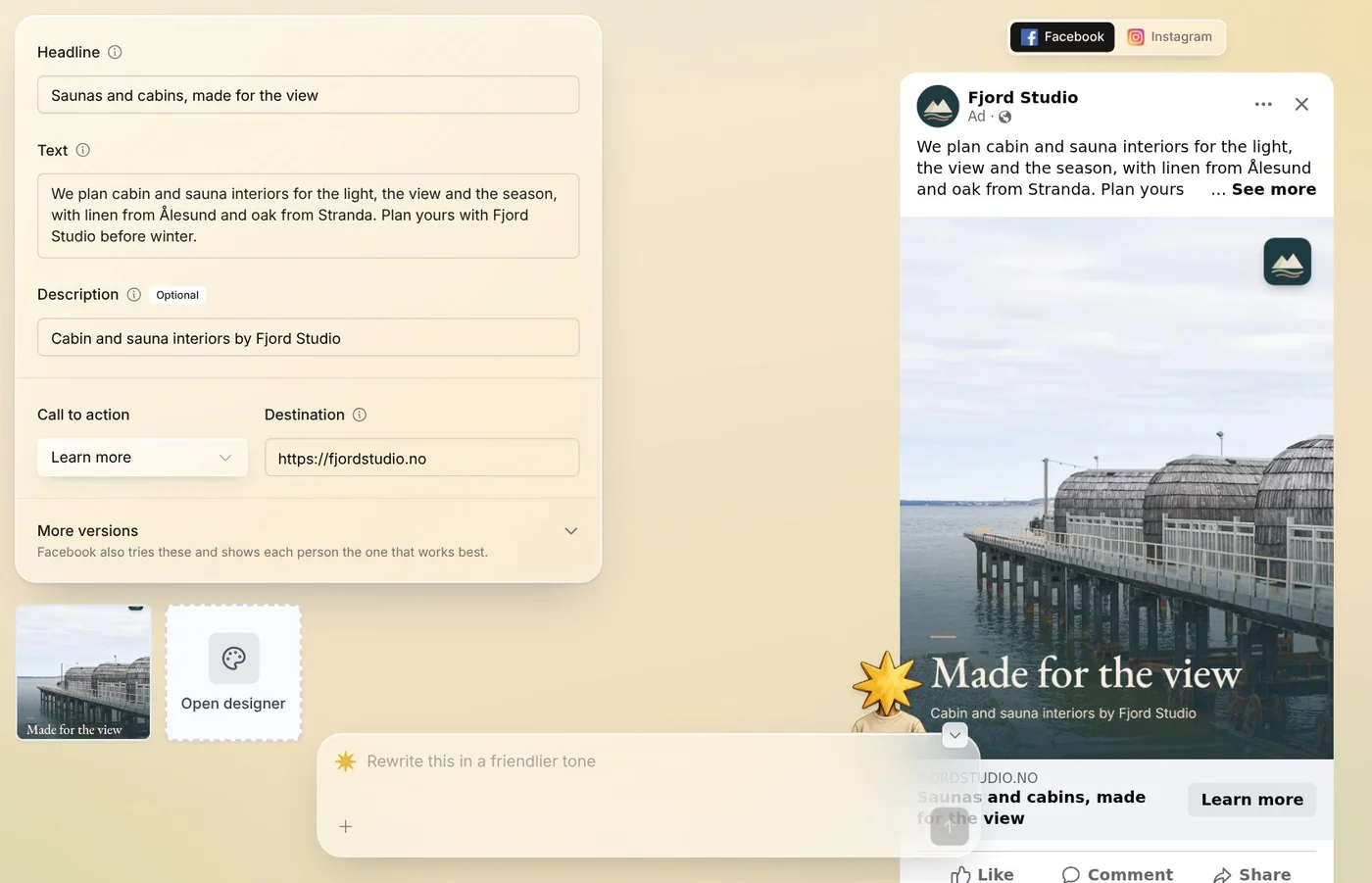
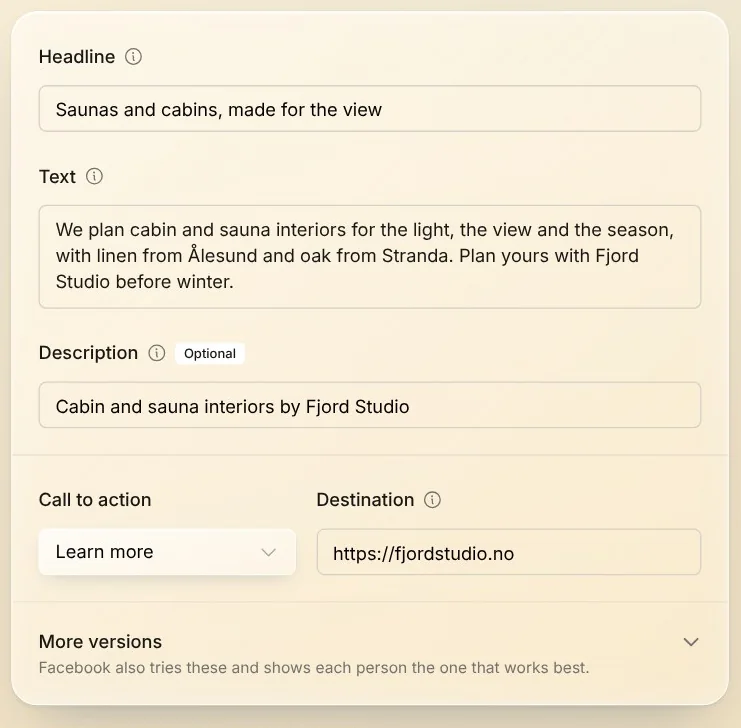
Native makes the ad in the editor: a picture in your look, a headline, the text and a short description, with Facebook's and Instagram's previews beside them.
Step 5: Change what you like
Change any word in the fields, or ask the chat below, for example to make the picture brighter. Nothing goes to Meta until you press Publish.
Tips from Trond
- Making an ad this way costs no tokens.
- Under More versions, Facebook also tries other headlines and texts, and shows each person the one that works best.
- The more you say about the offer and who it is for, the sharper the ad.
Try it in Native
New to Native? Start with your website, and see your first posts today.